
Laptop Hinge Repair Putrajaya: Safety Checks

A loose laptop lid can look like a small cosmetic issue until the casing begins to separate, the screen angle changes by itself, or movement affects the display. People searching for laptop hinge repair Putrajaya usually need to know whether it is safe to keep opening the laptop and what evidence will help an inspection.
This guide uses a simple movement-and-gap checklist. It does not assume that the metal hinge itself is the only problem. The hinge, its mounting points, the surrounding casing, bezel, and nearby display connections all need to be considered before a repair choice is made.
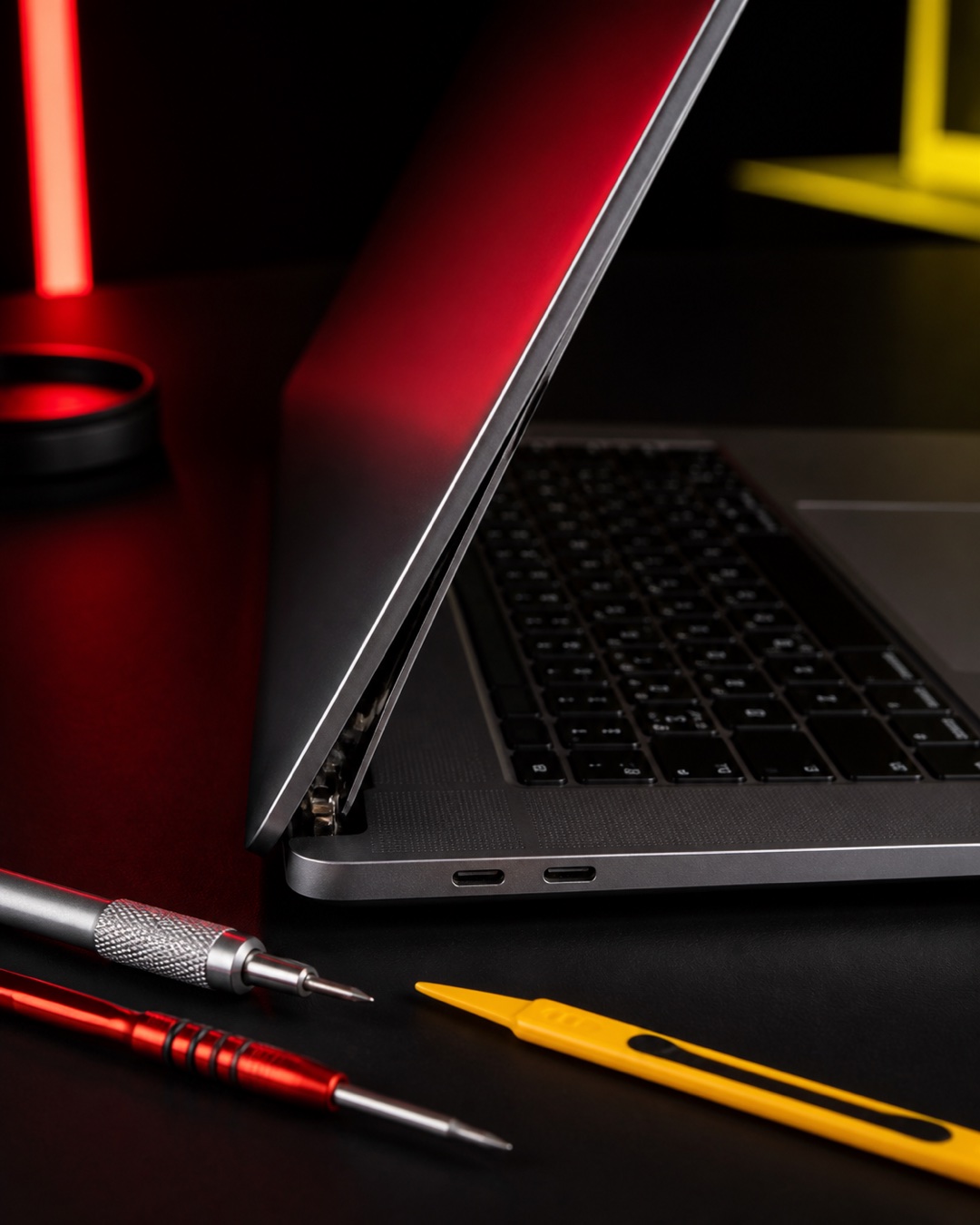
Start with the movement pattern
Open or close the lid only as far as it moves comfortably. Do not repeat the movement just to test it. From a stable position, note which description is closest to what you see:
- Loose movement: the screen does not hold its angle or wobbles when the laptop is resting.
- Stiff movement: one side resists, catches, or needs noticeably more force.
- Uneven movement: one corner rises before the other, or the lid no longer sits square with the base.
- Casing movement: the bezel, palm rest, bottom cover, or rear corner separates as the lid moves.
These observations do not diagnose a part. They help show whether the visible problem is mainly about lid movement, the mounting area, or another symptom that appears at the same time.
Use the gap-and-sound safety check
Look along both rear corners without pressing the panels together. A widening seam, raised bezel, exposed internal edge, or new crack is useful to photograph. Also record any click, pop, grind, or scrape and the exact point in the movement where it happens.
Stop moving the lid if a gap grows, a panel lifts, the screen flickers, or the casing bends. Keep the laptop supported on a flat surface. Do not add glue, force clips back into place, or tighten visible screws without knowing what they secure.
Three examples that change the inspection brief
One corner lifts when the lid opens
Photograph the affected corner with the laptop resting. Note whether the bottom cover, keyboard deck, or screen bezel moves. This creates a clearer brief than saying only that the hinge is broken.
The lid moves normally but the screen flickers
Record whether the picture changes at a particular angle and stop repeating the test. The display symptom should be reported with the hinge concern because the two may need to be inspected together.
The laptop closes unevenly after a drop
Do not push the corners level. Bring the charger separately and mention the direction of the impact, whether the laptop was open, and whether any ports or the keyboard changed afterward.
What an inspection should separate
A useful inspection should distinguish the hinge movement from the condition of its mounting points and the surrounding casing. It should also account for the bezel, display alignment, and any symptom that changes with lid angle. The exact option depends on the laptop model and what is found, so a photo alone cannot confirm the repair scope.
For related preparation, read the laptop keyboard fault map if keys or the palm-rest area also moved, and the slow laptop inspection guide if performance is a separate concern.
WhatsApp MRFIX Putrajaya about the laptop hinge

Prepare the laptop for a Putrajaya inspection
- Write down the full laptop brand and model from the label or system information.
- Take one photo of each rear corner and one of the laptop resting open.
- Note any drop, pressure, previous repair, liquid exposure, or recent change.
- Bring the charger separately without wrapping its cable around the damaged laptop.
- Avoid transporting the device with weight pressing on the lid.
MRFIX Putrajaya is at A-6A, 1st Floor, Blok A, Jalan Seluang P8/7, Presint 8, 62250 Putrajaya. Call or WhatsApp 019-910 0531.
Book a laptop hinge inspection
Frequently asked questions
Can I keep opening a laptop with a casing gap?
Avoid repeated movement if the gap grows, the bezel lifts, or the screen changes. Support the laptop on a flat surface and arrange an inspection.
Does a loose lid always mean the hinge needs replacement?
Not necessarily. The hinge movement, mounting points, casing, and nearby parts should be checked before the scope is decided.
What photo should I send first?
Send the full model label, both rear corners, and the laptop resting at the safest angle that shows the problem without forcing it.