
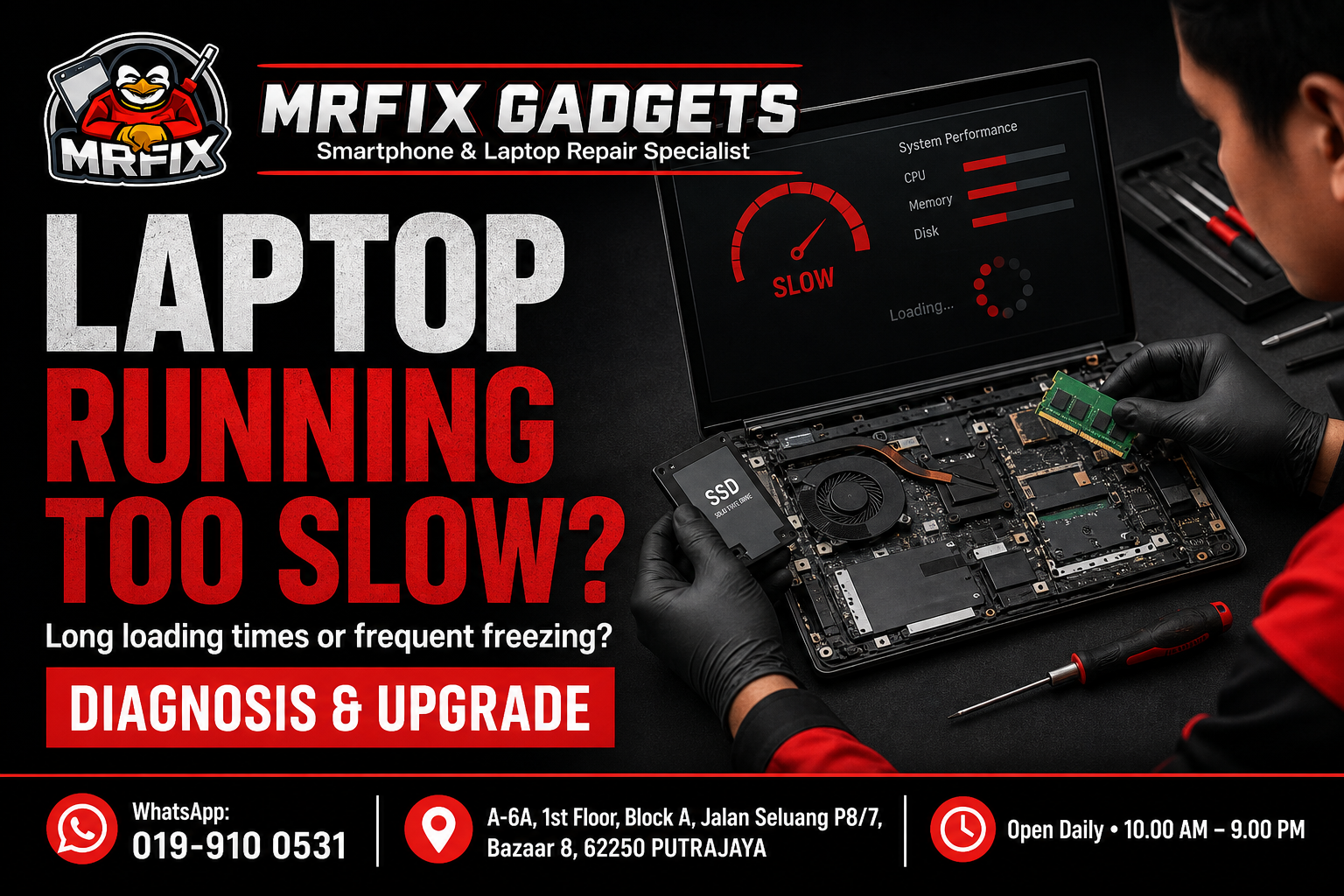
A laptop that takes ages to load or frequently freezes during simple tasks is frustrating, and it is one of the reasons people look beyond generic troubleshooting guides toward proper phone repair Putrajaya and laptop repair services. Slow performance does not always mean the laptop needs to be replaced. This article explains the common signs of a slow laptop, possible causes, safe checks you can try first, actions to avoid, and how a phone repair shop in Putrajaya such as MRFIX Gadgets typically approaches a laptop diagnosis and upgrade case.
Common signs of the problem
- Programs and files take an unusually long time to open.
- The laptop freezes or becomes unresponsive during normal use.
- The fan runs loudly even during light tasks.
- Startup takes significantly longer than it used to.
- Multiple applications cannot be run at the same time without the laptop slowing down considerably.
- The laptop feels warmer than usual during regular use.
Possible causes
- Storage that is nearly full, which can slow down overall performance.
- An older hard drive that has not been upgraded to a faster storage type.
- Insufficient memory for the applications currently being used.
- Dust build-up inside the laptop affecting cooling and causing thermal throttling.
- Too many background programs running at startup.
- Ageing hardware that is simply reaching the end of its practical lifespan for current tasks.
What to do first
- Check how much free storage space remains on the main drive.
- Restart the laptop and observe whether performance improves temporarily.
- Close unused applications and browser tabs to see if this affects responsiveness.
- Note which specific tasks or programs trigger the slowdown most noticeably.
What not to do
- Do not install random third-party speed-up software from unverified sources, as this can introduce further issues.
- Avoid attempting to open the laptop and clean internal components yourself if you are not experienced.
- Do not ignore repeated overheating, as this can affect the lifespan of internal components over time.
- Avoid deleting system files you do not recognise in an attempt to free up space.
When to visit a phone repair shop in Putrajaya
If basic steps like restarting and freeing up storage do not noticeably help, or if the laptop is overheating or freezing frequently, it is a good time to bring it in for a proper diagnosis. A technician can identify whether the issue is related to storage, memory, cooling or another component.
- Initial symptom review: the technician asks about when the problem started and what triggered it.
- External inspection: the laptop is checked for visible damage, ventilation blockage or wear.
- Device testing: basic function and performance tests are carried out to observe how the laptop behaves.
- Internal inspection when necessary and authorised: the laptop is opened only after the customer agrees to a closer look.
- Explanation of the findings: the technician explains what appears to be affected in plain language.
- Repair recommendation and quotation: a suggested repair option and cost estimate is shared before any work begins.
- Customer approval before repair: no repair work proceeds without the customer's confirmation.
- Testing after repair: the device is tested again once work is completed to confirm the reported issue has been addressed.
The suggested next step, whether it is a storage upgrade, memory upgrade or a cleaning service, will depend on what the inspection reveals about your specific laptop.
Phone repair Putrajaya for nearby customers
The MRFIX Gadgets Putrajaya location at Bazaar 8 may be a convenient stop for residents and office workers around Presint 8, as well as those in Presint 9, Presint 10, Presint 11 and Presint 15. Customers coming from Putrajaya Sentral, Cyberjaya, Dengkil and the IOI Resort City area have also visited the shop for a laptop repair and upgrade enquiry. Exact travel time will depend on traffic and the route taken, so it is best to check the location on a map before heading over.
Frequently asked questions
Can this problem be repaired?
In many cases performance can be improved through an upgrade or cleaning, but the repair option depends on the inspection and the age and condition of the laptop.
Will my data be erased?
A storage or memory upgrade does not necessarily require erasing your data, though backing up beforehand is strongly recommended as a precaution.
How long will the inspection take?
An initial diagnostic to identify the cause of slow performance can usually be done in a reasonable timeframe.
Should I continue using the device?
Yes, you can continue using the laptop while arranging a visit, though it is worth avoiding demanding tasks if it is overheating.
Do I need to make an appointment?
Walk-ins are accepted for a laptop diagnosis and upgrade consultation.
What information should I provide through WhatsApp?
Share your laptop brand and model, how old it is, and a description of when the slowdown is most noticeable.
Visit MRFIX Gadgets Putrajaya
If you are dealing with this issue and would like an initial opinion, the team at MRFIX Gadgets Putrajaya is available for a walk-in visit or a WhatsApp enquiry. Sending a short description of the symptoms, the device model and a clear photo in advance can help the technician prepare before you arrive, although a full assessment will still require an in-person inspection in most cases.
MRFIX Gadgets Putrajaya
A-6A, 1st Floor, Block A, Jalan Seluang P8/7, Bazaar 8, 62250 Putrajaya
WhatsApp: 019-910 0531
Open daily: 10.00 AM – 9.00 PM