
A phone torch that looks weak, flickers, or switches off unexpectedly needs more context than a simple on-or-off test. A careful repair phone flashlight Bangi assessment compares temperature, power state, camera-flash behavior and the device's recent history before any hardware conclusion is made.
Patterns worth recording
- The beam starts bright and quickly becomes dimmer.
- The torch flickers when the phone moves or is handled.
- The light turns off while the phone feels unusually warm.
- Camera flash works, but continuous torch mode does not.
- The problem appears only at a particular battery level or after impact.
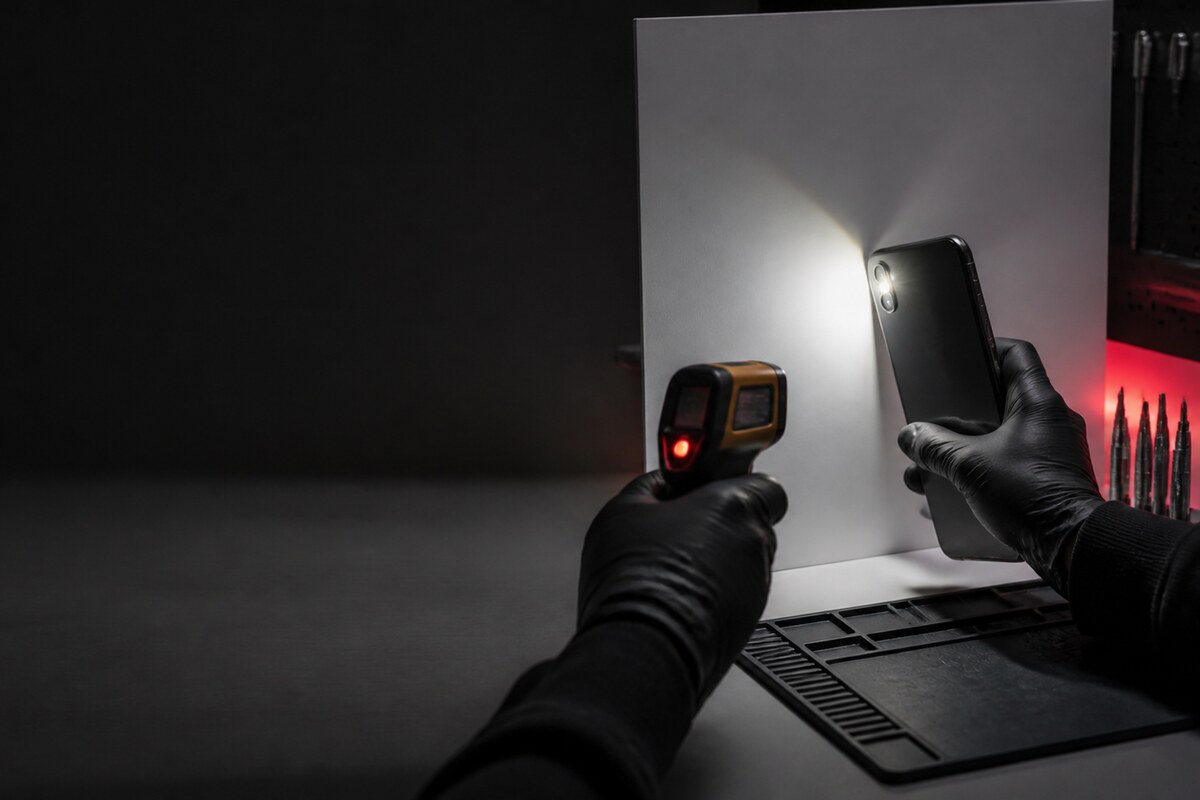
Why heat and power state matter
Phones can limit high-load features under certain conditions, so a torch test should not be repeated while the device is hot. Close camera-related apps, disconnect unnecessary accessories, allow the phone to cool naturally, and test once more. Avoid putting the phone in a refrigerator, pressing its rear panel, or running long repeated tests that could obscure the original symptom.
What a technician can compare
A useful diagnosis checks whether the symptom can be reproduced, whether camera flash produces the same light output, and whether physical movement changes the result. The inspection may also consider the rear housing, flash window, connector path and evidence of prior impact or moisture. This sequence separates observable facts from assumptions about a particular component.
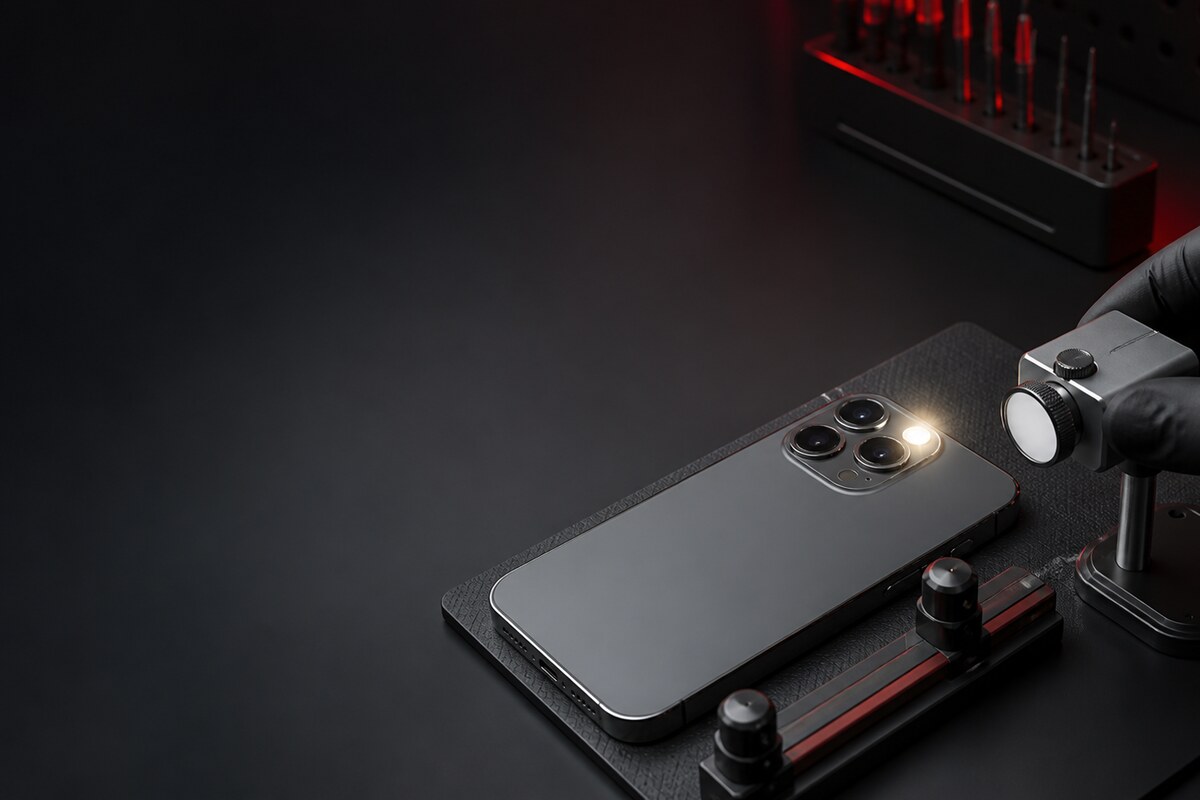
Bring a clear symptom history
- Note whether the failure is constant or intermittent.
- Record the phone's temperature when it happens.
- Check torch and camera flash separately.
- Mention any recent drop, moisture exposure or repair.
- Avoid sharing passwords, PINs or private gallery content.
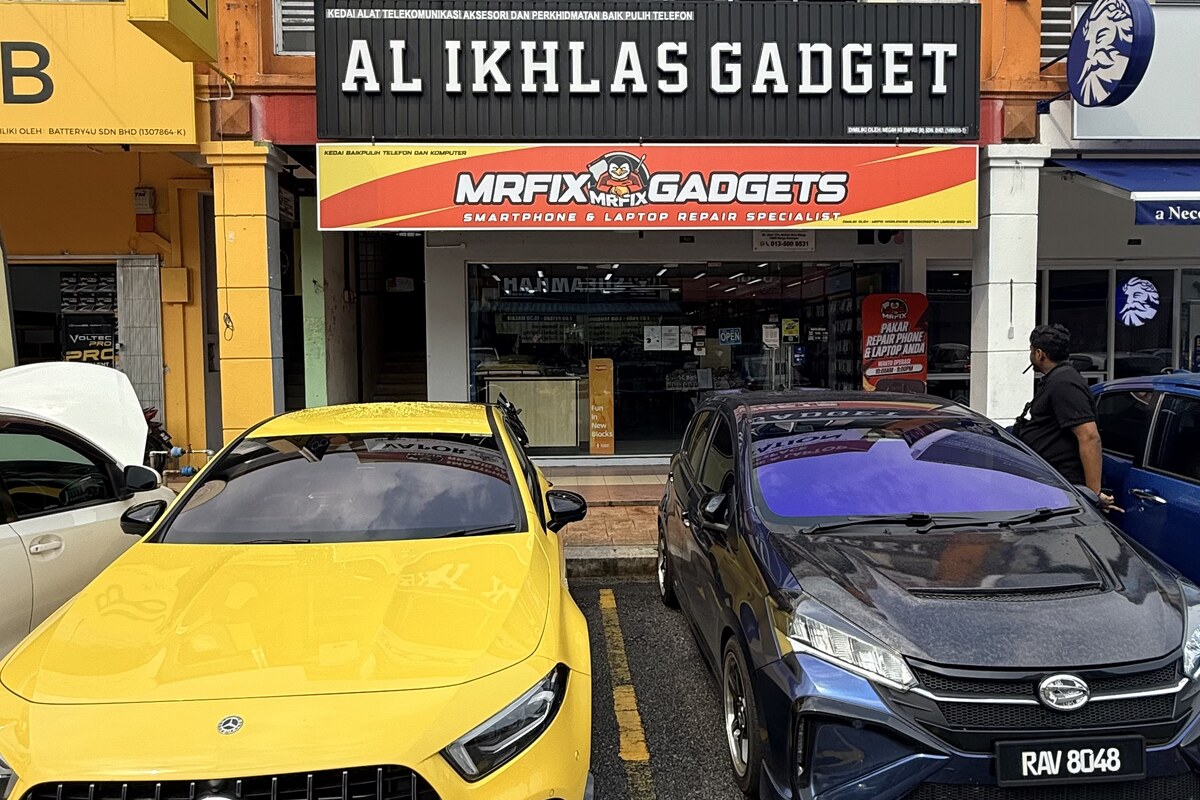
MRFIX Bangi in Seksyen 7 serves customers from Bandar Baru Bangi and nearby Kajang, Putrajaya, Serdang, Nilai and Semenyih. Bring the phone and the normal case you use so the check reflects everyday conditions.