
A phone that repeatedly shows its startup logo, turns off and begins again may be caught in a boot loop. A careful repair phone bootloop Bangi assessment compares the restart pattern, temperature, charging behaviour and recent device history before choosing a recovery or repair path.
Patterns worth recording
- The logo appears on every cycle but the home screen never loads.
- The phone stays on longer when connected to power.
- Heat builds up after several automatic restarts.
- The loop began after an update, app crash or low-storage warning.
- The behaviour started after a drop, moisture exposure or previous service.
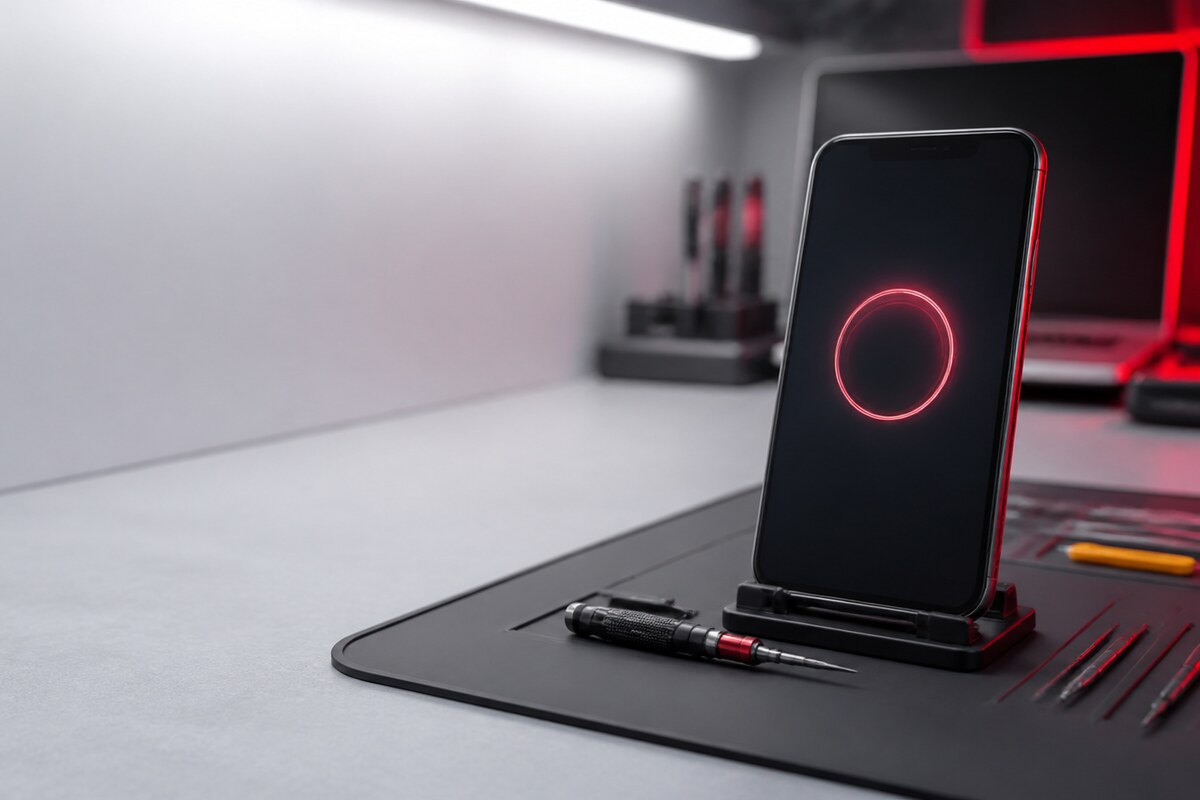
Pause repeated attempts when heat rises
Give the device time to cool on a dry, hard surface. Remove a thick case and use a known-good cable and charger without bending or forcing the connector. If the phone briefly reaches the home screen, prioritise a backup rather than opening several apps. Avoid unofficial system files or a factory reset when important data has not been protected.
Power behaviour provides useful context
Note whether the loop changes on battery power, while charging or when a cable is gently removed. This observation does not identify the cause by itself, but it helps separate conditions that look alike. A technician can then inspect the charging path, buttons, external condition and system response while keeping data priorities in view.

Prepare these details for diagnosis
- Phone model and approximate storage condition.
- What happened immediately before the first loop.
- Whether any recovery screen or warning appears.
- How the device behaves with a charger attached.
- Any recent impact, moisture or repair history.
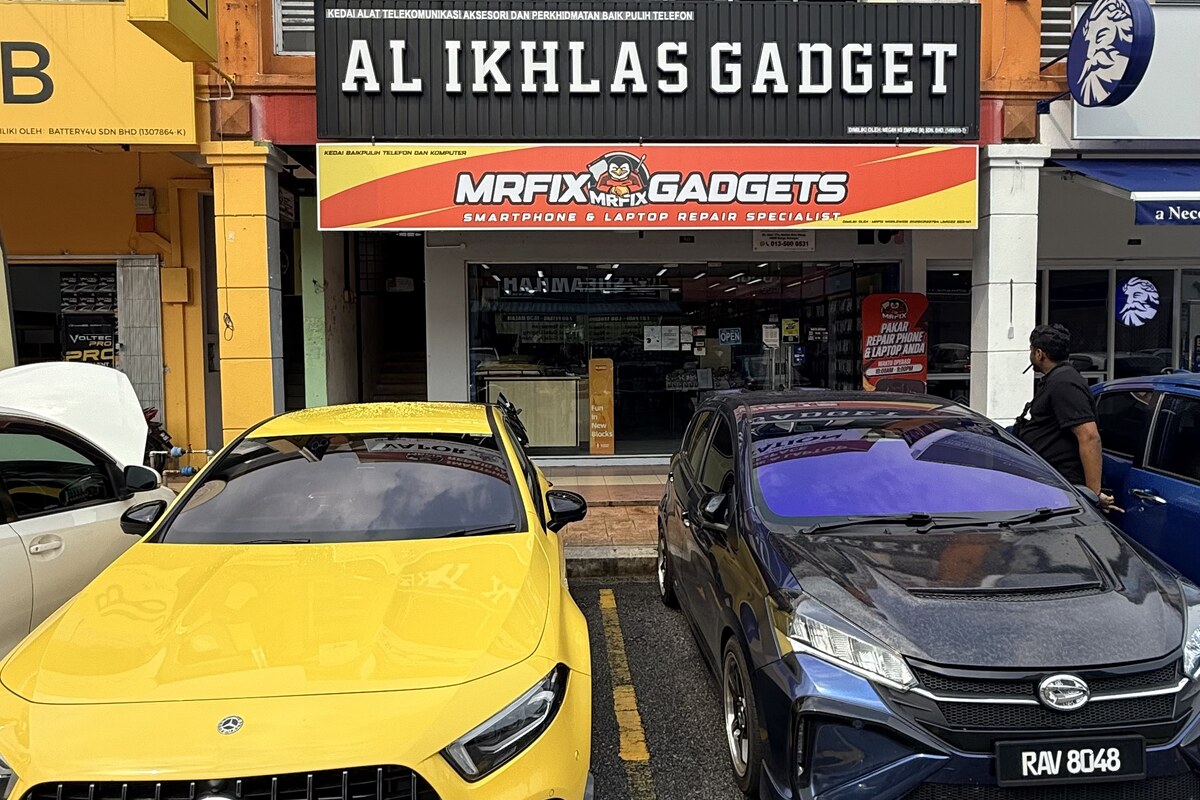
MRFIX Bangi in Seksyen 7 serves customers from Bandar Baru Bangi and nearby Kajang, Putrajaya, Serdang, Nilai and Semenyih. Bring the usual cable if charging behaviour is part of the symptom, and mention clearly when preserving data is a priority.