A phone that slips into silent mode without a clear switch movement can make calls and alerts easy to miss. A structured repair mute switch phone Bangi check compares the physical control, on-screen response and sound settings before any repair decision is made.
Patterns that suggest an inconsistent ringer control
- Silent mode appears when the phone is picked up or placed in a pocket.
- The ringer changes after light pressure near the side frame.
- The switch feels loose or does not stay in one position.
- The icon changes, but sound behaviour does not follow.
- The issue started after a drop, case change or moisture exposure.

Record what changes and when
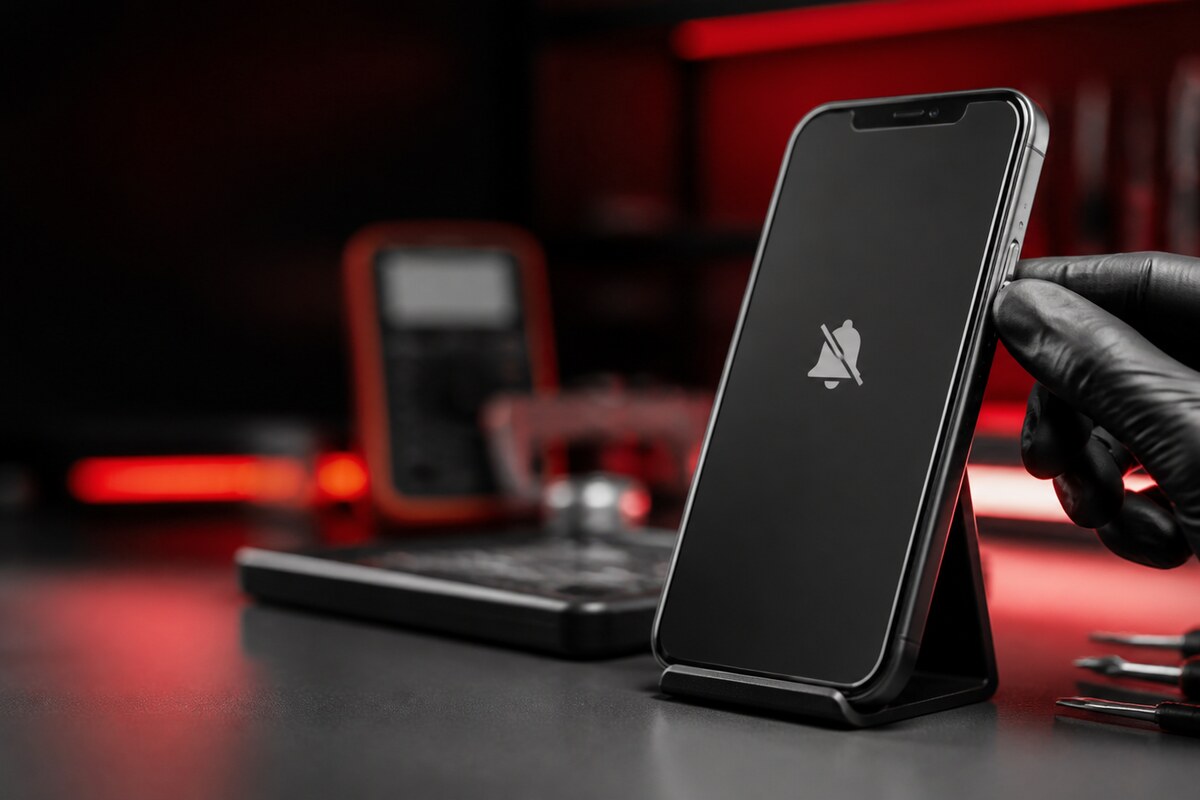
Remove the case and move the switch once while watching the screen. Then place the phone on a table and test an incoming alert at a safe volume. Note whether the fault happens during movement, after locking the screen or only with the case fitted. Avoid forcing a switch that feels jammed.
What the inspection can compare
A technician can compare switch travel, frame alignment, case clearance and the phone's software response. On phones that use a programmable side control instead of a mechanical mute switch, the assigned function and accessibility settings should also be checked. This prevents a settings issue from being mistaken for hardware damage.
Bring a short symptom timeline
- Phone model and system version.
- Whether the silent icon changes on screen.
- The usual case or cover.
- Any recent drop, moisture event or previous service.
- Whether volume buttons and vibration still respond normally.
MRFIX Bangi is in Seksyen 7 for customers around Bandar Baru Bangi, Kajang, Putrajaya, Serdang, Nilai and Semenyih. Bringing the usual case makes it easier to reproduce the condition as you normally use the phone.