
A compass direction that drifts, jumps, or points the wrong way can make walking and driving guidance confusing even when location services still work. A careful repair compass phone Bangi assessment compares accessories, apps, movement and recent device history before treating the symptom as a hardware fault.
Patterns worth recording
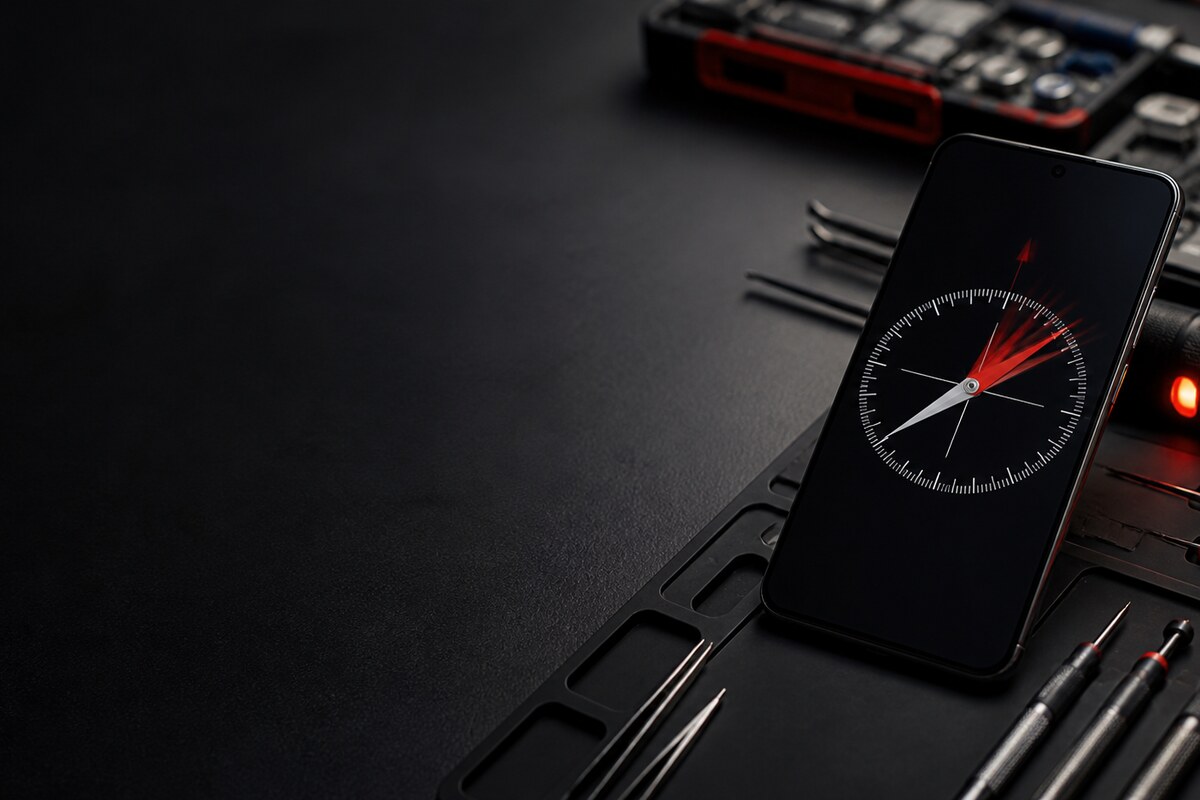
- The compass needle moves while the phone is stationary.
- North changes after closing and reopening the app.
- A map arrow faces sideways or backwards.
- Accuracy changes with a magnetic case or car mount.
- The drift appeared after a drop, repair or moisture exposure.
Remove environmental interference first
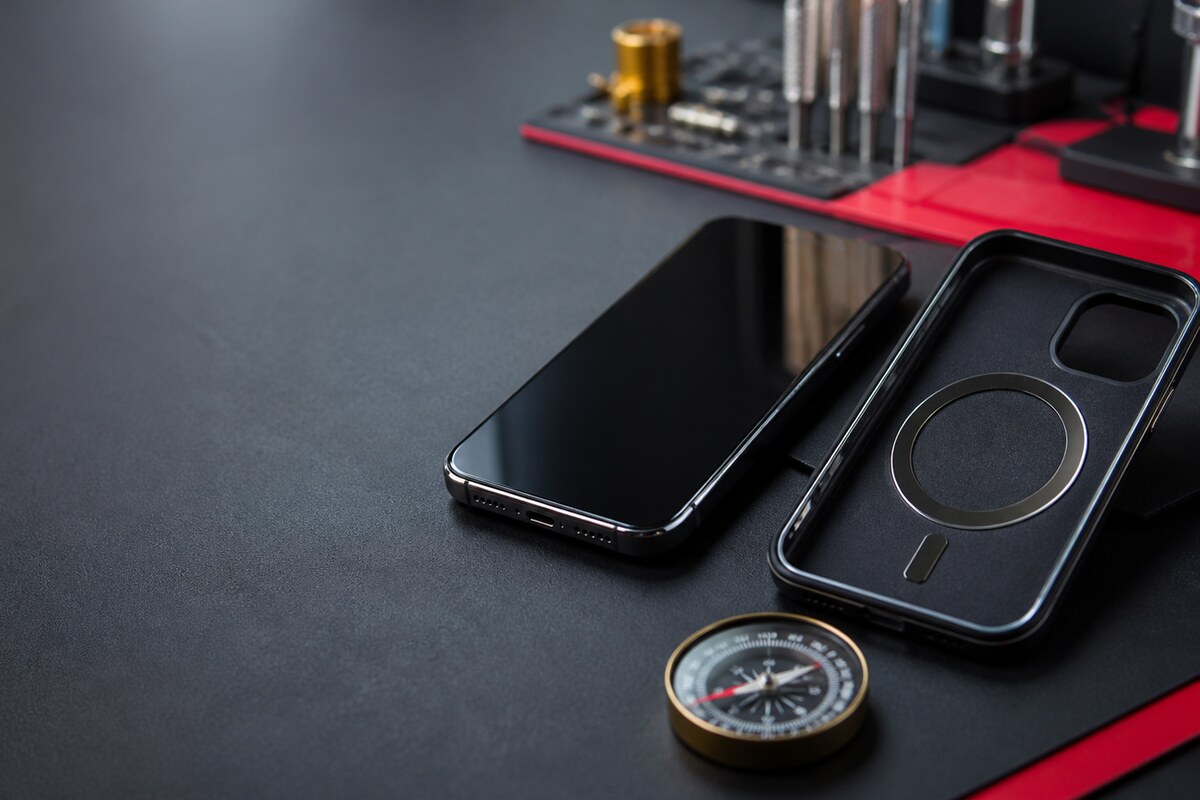
Take off the normal case, magnetic ring, wallet attachment and car-mount plate. Test in an open area away from metal furniture, loudspeakers and other magnets. If the phone displays a calibration prompt, follow the on-screen motion once and then compare the result in another compass or map app. Do not strike the phone or move a magnet around it.
Why maps and compass apps should be compared
Navigation can combine satellite location, network location, motion sensing and heading data. A wrong-facing arrow therefore needs context. A technician can reproduce the symptom with accessories removed, compare several apps, observe how smoothly the heading changes, and inspect the device for signs of impact or prior work without guessing from one screen.
Bring useful details, not private data
- Note the phone model and current system version.
- List the apps where the direction looks wrong.
- Bring the case or mount used every day.
- Mention any recent drop, liquid contact or repair.
- Do not share passwords, PINs or private location history.
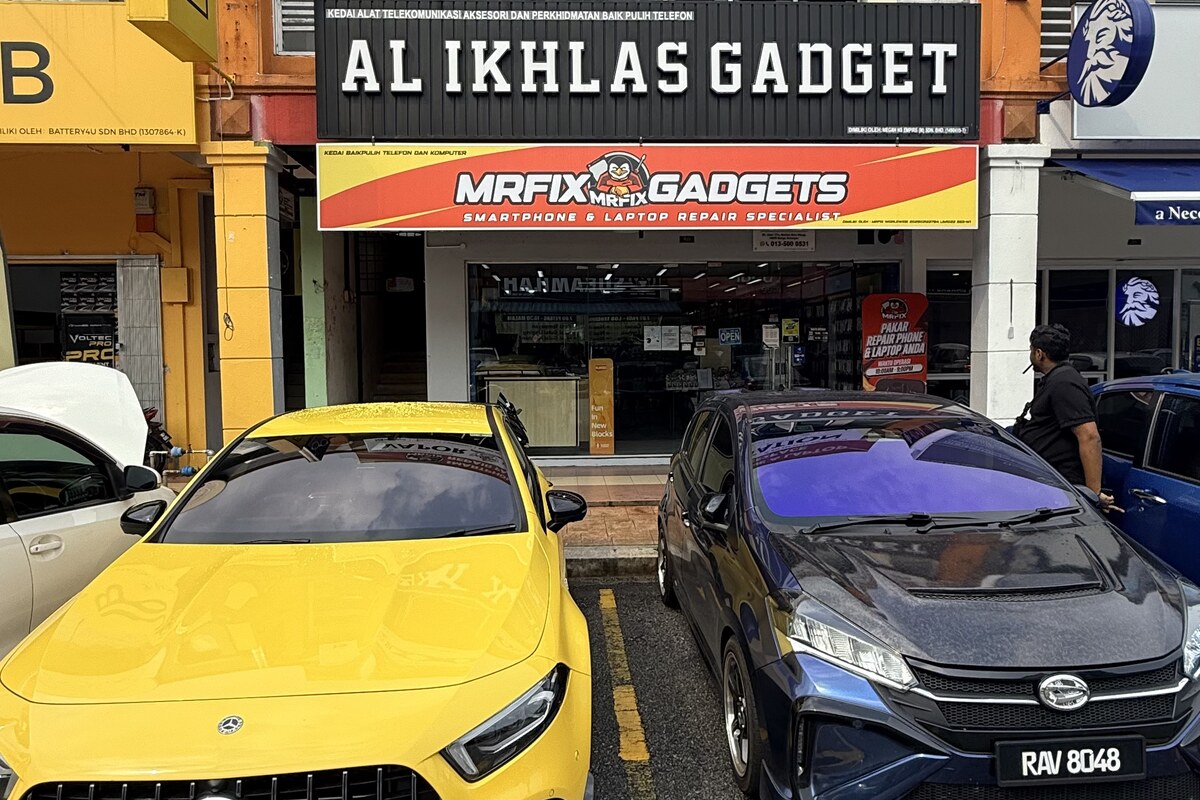
MRFIX Bangi in Seksyen 7 serves Bandar Baru Bangi and nearby Kajang, Putrajaya, Serdang, Nilai and Semenyih. Bringing the normal accessories helps the inspection reflect real daily use.