
Blurry photos, a shaking preview or a camera that refuses to focus can make an otherwise usable phone frustrating. These symptoms do not automatically mean that the entire camera must be replaced. For customers searching for repair camera phone Bangi, a structured check can separate an external lens issue from software, a loose connection or a faulty camera module.
MRFIX Bangi in Seksyen 7 can inspect both front and rear camera functions. A clear symptom history is especially useful because intermittent focus, black previews and image spots can look similar while coming from different parts of the device.
Common signs worth checking
- Photos remain hazy after the outer lens glass is cleaned.
- The camera repeatedly hunts for focus at normal distances.
- The preview visibly shakes or makes a small clicking sound.
- The front or rear camera opens to a black screen.
- The same spot, line or shadow appears in every photo.

Safe tests you can do first
Remove any case or accessory around the camera area, wipe the outer glass gently and test the original camera app again. Compare the front camera, rear camera, video mode and focus at both near and far distances. If only one third-party app has the problem, check its permissions and updates. Avoid tapping the camera housing, applying cleaning liquid directly to the phone or opening the device at home.
WhatsApp MRFIX Bangi: 013 500 0531
Why camera shake matters
Some camera modules use moving parts to focus or stabilise the image. A hard impact may affect that movement even when the lens glass looks intact. Moisture can also leave haze or internal marks that cannot be removed from the outside. By testing each camera and mode separately, a technician can identify whether the issue is limited to one camera or is related to another phone function.

Prepare useful information for inspection
Note when the issue started and whether it followed a drop, moisture exposure, a system update or a previous repair. Back up important data and keep your unlock code available if functional testing requires it. Customers from Bandar Baru Bangi, Kajang, Putrajaya, Serdang, Nilai and Semenyih can visit MRFIX Bangi in Seksyen 7 for a local camera assessment.
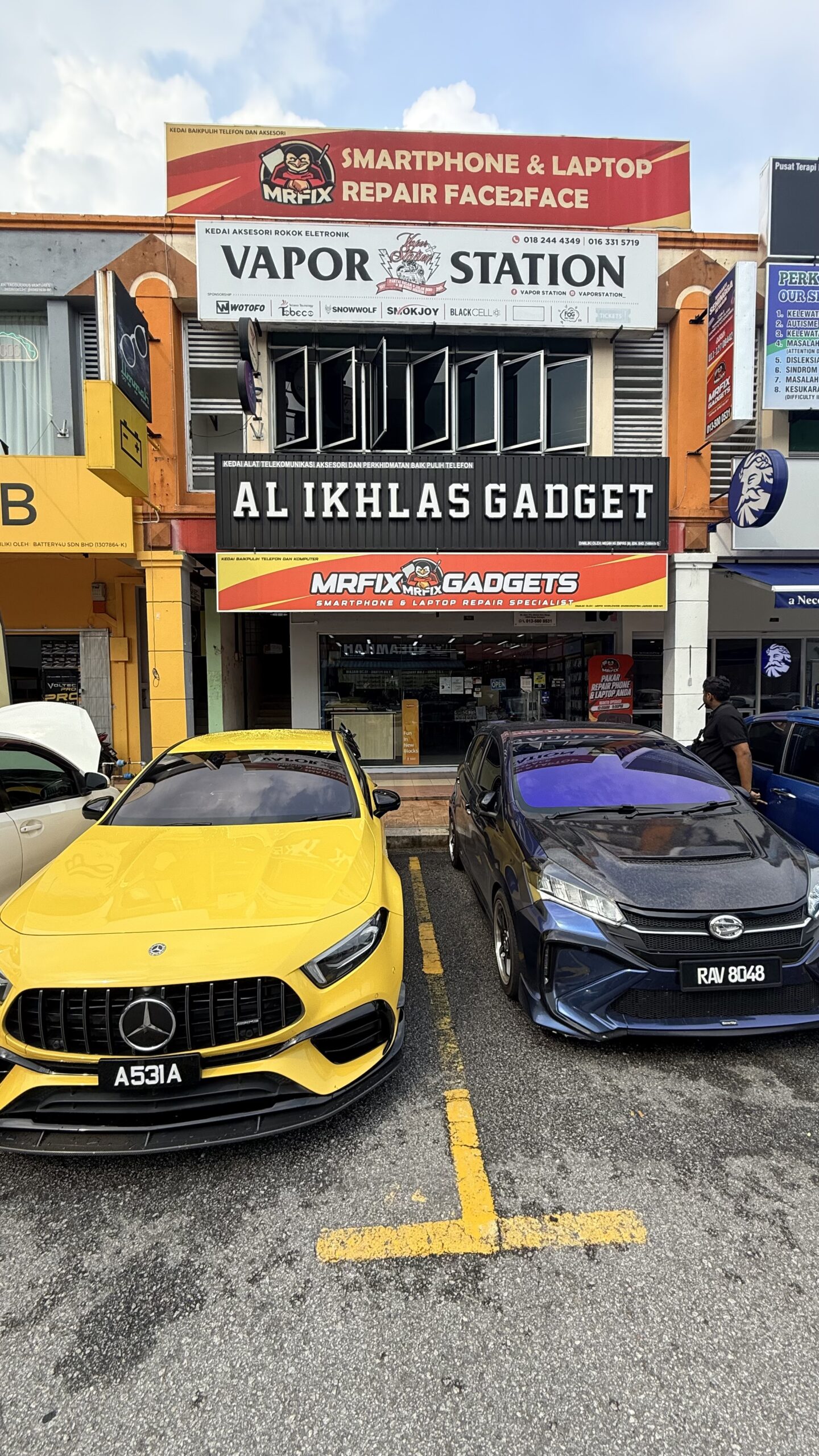
Share the phone model and camera symptoms in advance through the repair form.
Open the MRFIX Bangi Repair Form
Your next step
Save a sample photo or short video if the camera still works, and describe which mode produces the problem. That evidence makes comparison easier during testing. For a practical repair camera phone Bangi assessment, contact MRFIX Bangi with your device model and the symptoms you have observed.