
A screen that remains dim outdoors or suddenly becomes dazzling indoors may be failing to respond to its surroundings. A structured repair auto brightness phone Bangi assessment compares lighting conditions, settings and the upper sensor area before any screen or component decision is made.
Record when the display fails to adapt
- The screen stays dim after moving into daylight.
- Brightness pulses while room lighting remains stable.
- Manual adjustment works but automatic response does not.
- The behaviour changes in one app or power mode.
- The issue began after a protector, impact, update or screen service.
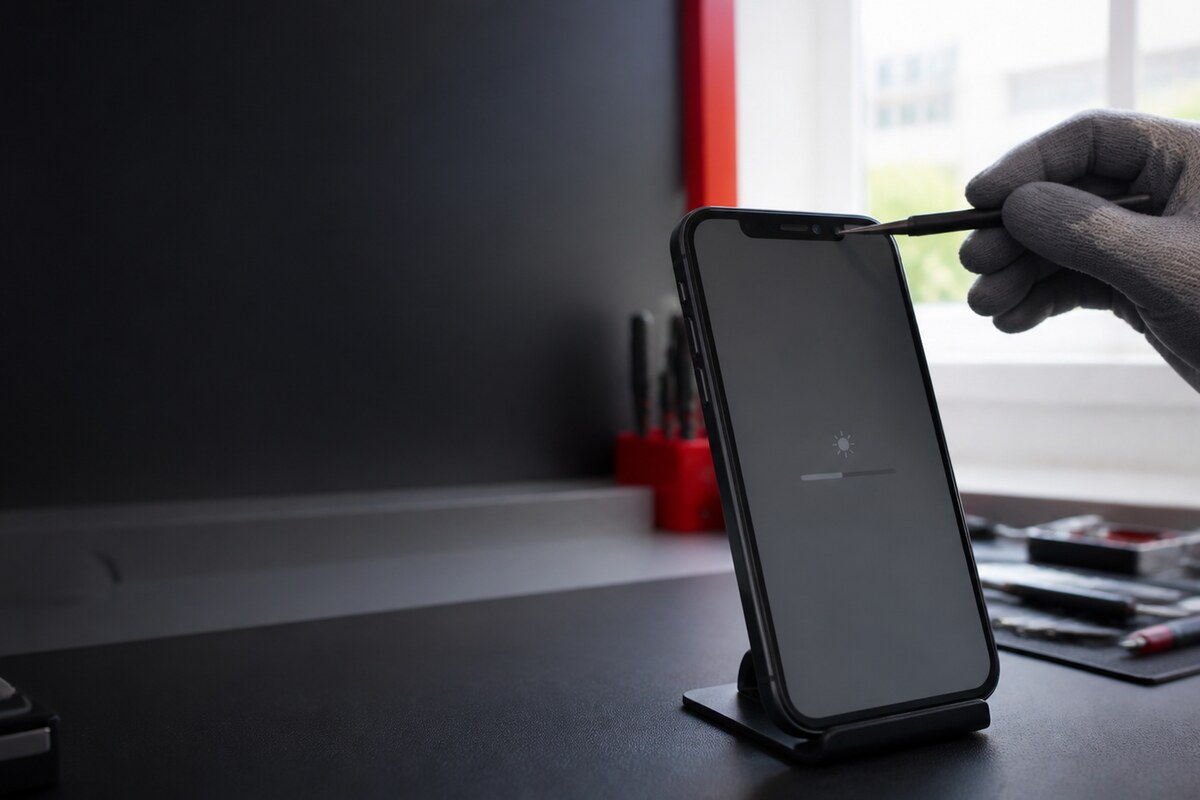
Use two predictable lighting conditions
Start in a room with steady lighting and note the screen level. Move to a brighter area, allow a short response period and compare the change. Keep the phone orientation similar and avoid covering the top of the display. One controlled comparison is more useful than repeatedly toggling several settings at once.
Several layers can affect the same symptom
Automatic brightness depends on system settings, accessibility options, power behaviour and a clear path to the light-sensing area. A protector or case edge can interfere, while impact, moisture or earlier display work adds useful history. A technician checks the pattern rather than assuming every dim screen has the same cause.
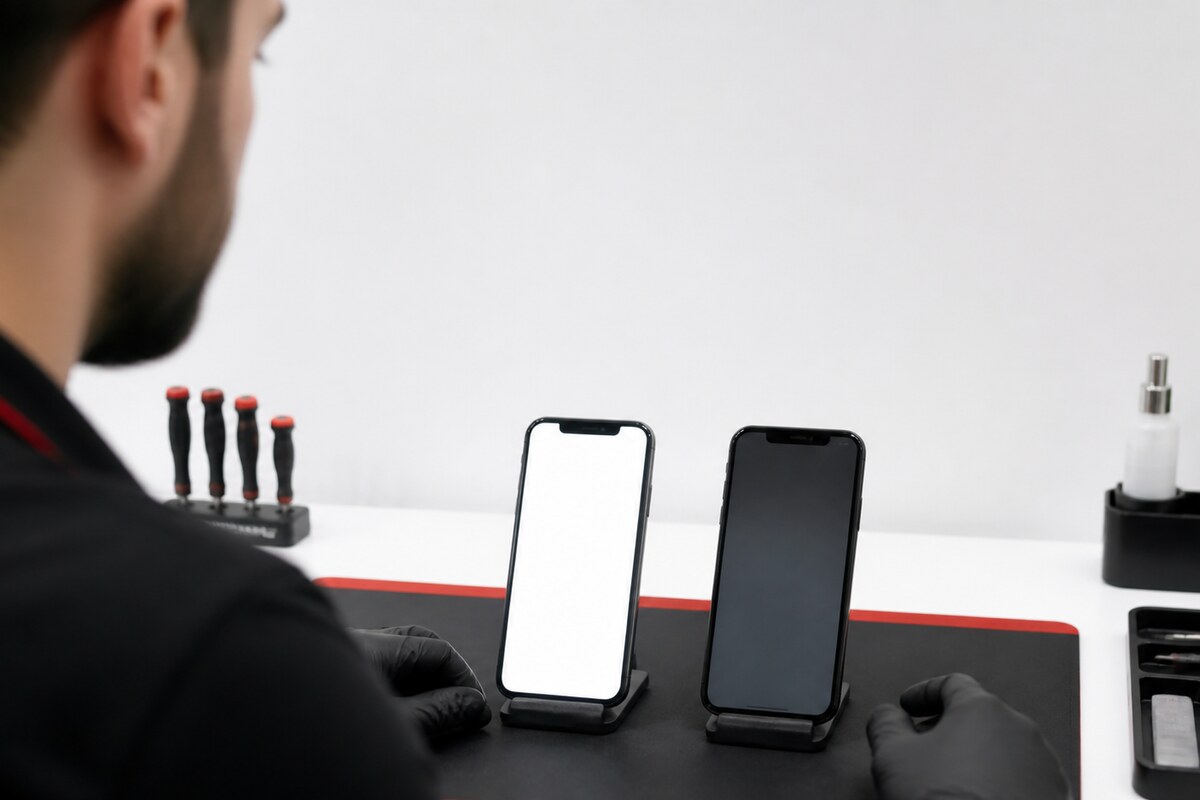
Bring a concise device history
- The phone model and current software version.
- Whether manual brightness remains responsive.
- The lighting condition that triggers the fault.
- The protector and case normally fitted.
- Any recent update, drop, moisture or display repair.
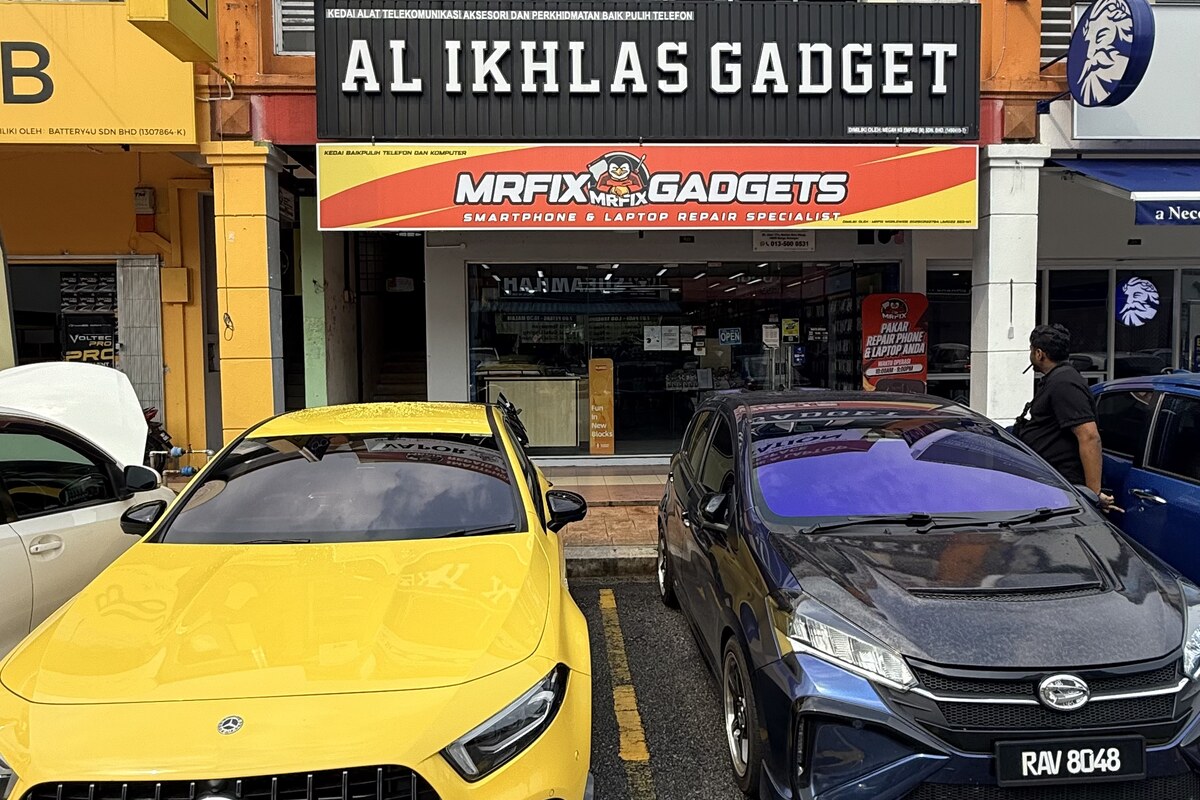
MRFIX Bangi in Seksyen 7 serves customers from Bandar Baru Bangi and nearby Kajang, Putrajaya, Serdang, Nilai and Semenyih. Bring the accessories normally attached to the phone so its usual sensor conditions can be reproduced.