
A OnePlus phone can arrive at the same visible symptom through very different paths: a display change, battery behaviour, charging issue, camera fault, audio problem, connection failure or software event. People searching for OnePlus phone repair Putrajaya usually want a local next step, but a model name and a guessed part are not enough to plan a useful inspection.
This guide turns what you can safely observe into a concise service brief. It does not claim that a component has failed. Instead, it helps you identify the exact OnePlus model, describe the first function that changed, record the event history and prepare privacy choices before contacting MRFIX Putrajaya.
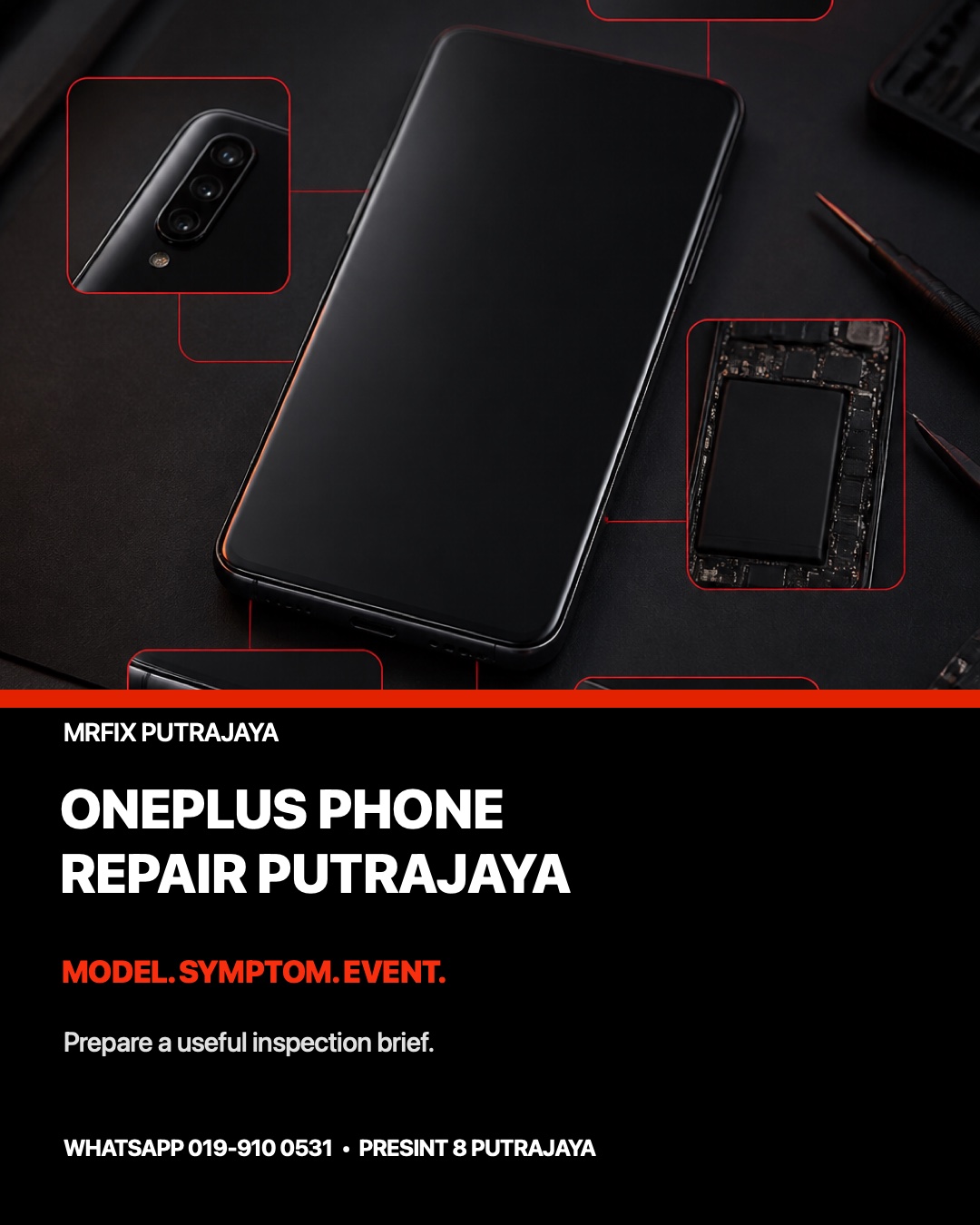
Quick outline: prepare a five-part OnePlus repair card
- Identify the complete model and variant.
- Name the first function that changed.
- Record the event or update before the symptom.
- Describe whether the phone is stable, intermittent or unsafe.
- Choose a sensible support route and protect private data.
Start with the exact OnePlus model
“OnePlus Nord” or “OnePlus flagship” still covers several generations, screen types and internal layouts. If the phone is usable, check the complete model name in Settings. If it cannot start, use the box, purchase record or a non-private model label. Add the storage variant when known, but keep IMEI, serial numbers, account details and passwords out of a public message or booking form.
Also note whether the device is a standard slab phone or a foldable model. Correct identification helps the team ask relevant questions and discuss an inspection route. It does not confirm part compatibility, availability, price, repair time or outcome before the physical condition is checked.
Record the first function that changed
Display and touch
Separate what you see from how touch responds. Record cracks, lines, colour shifts, dim areas, a black image or a panel that lights without content. Then note whether touch fails everywhere, misses one zone or produces unintended input. Do not press a lifted screen or sharp glass to “test it again”.
Battery, heat and charging
Write down how the battery percentage changes, whether shutdown happens at a repeatable level and where the phone feels warm. For charging, note the icon, charging message, cable position and any difference between known-compatible, undamaged accessories. Stop charging if there is swelling, an unusual smell, excessive heat, smoke or a lifted cover; do not puncture or compress the phone.
Camera, audio and connection
For camera trouble, identify front or rear and describe blur, shaking, a black preview or failure to focus. For audio, compare calls, recordings, media playback and wired or wireless accessories. For Wi-Fi, Bluetooth, mobile signal, GPS or NFC, state whether another device behaves normally in the same place. These comparisons define the failed function without declaring which internal part is responsible.
Startup and software
Record the last logo, vibration, sound, charging indicator or exact error message. Note whether the issue followed an OxygenOS update, a new app, a storage warning, impact, liquid contact or an earlier repair. Avoid repeated resets when the original pattern has not been documented; a reset can remove useful context and may create a separate data problem.
Build a short event timeline
A clear timeline is often more useful than a long theory. Write what the phone was doing immediately before the fault, what changed first and what has been tried since. Include whether the symptom appears continuously or only during charging, calls, gaming, camera use, movement or a specific app. If the phone was dropped, specify the affected edge and whether a case was fitted. If liquid was involved, say what kind and whether power or charging was attempted afterward.
Examples of useful OnePlus service notes
The screen is visible but touch misses the lower edge
A useful note names the model, the affected zone, whether the problem occurs on the lock screen and whether it began after impact or earlier service. “Screen problem” is less useful because image and input can fail differently.
The phone charges only when the cable is angled
Record the cable condition, connector movement, charging message and whether another safe compatible accessory behaves differently. Do not keep bending the plug or insert metal tools into the port. Bring the relevant undamaged charger or its specifications for comparison.
The rear camera opens but will not focus
State which camera mode is affected, whether the lens cover is visibly marked and whether the problem followed a drop. A sample image can help if it contains no private information. Do not tap or shake the camera area to force movement.
Compare the support route before handover
OnePlus Malaysia provides its own support, contact and service-centre routes. Check your purchase records and any coverage terms that may apply before authorising independent work. A local MRFIX inspection can be considered when you want an in-person symptom assessment in Putrajaya, but MRFIX is an independent repair provider and is not presented here as an authorised OnePlus service centre.
For a broader preparation list, read the Android phone repair handover guide. If you are comparing local providers, use the Putrajaya repair-shop checklist.
WhatsApp your OnePlus model and symptom card
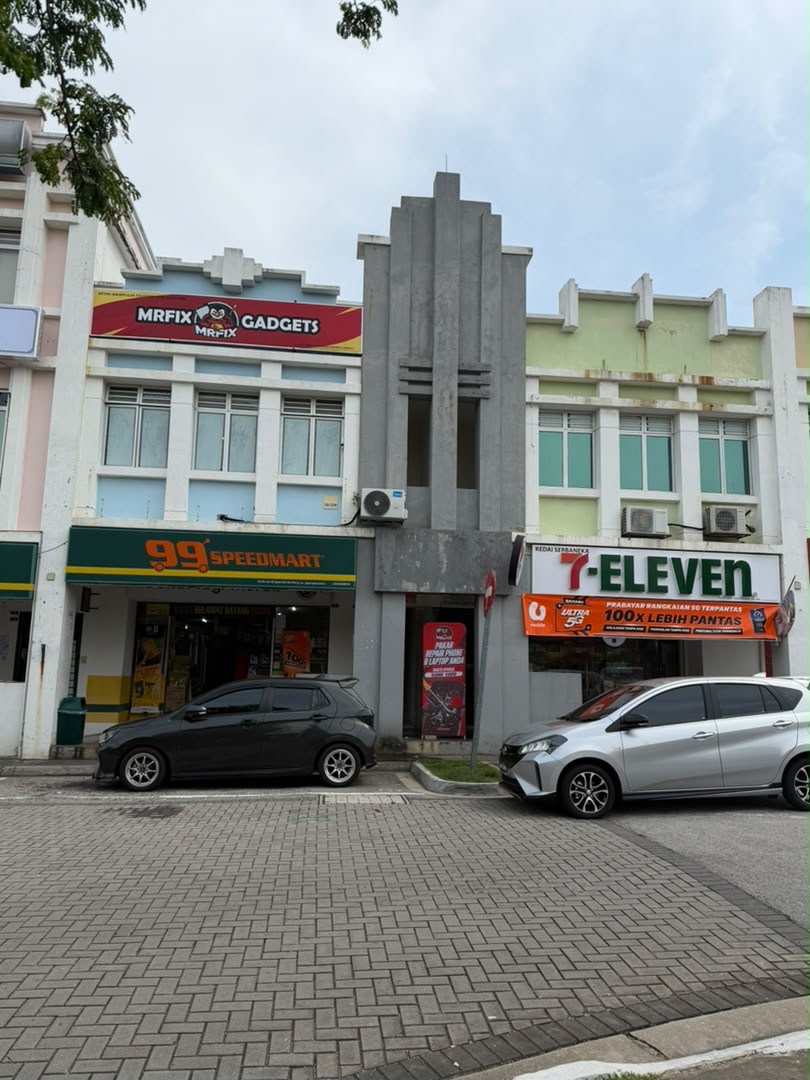
Book a OnePlus phone inspection in Putrajaya
Visit MRFIX Putrajaya at A-6A, 1st Floor, Blok A, Jalan Seluang P8/7, Presint 8, 62250 Putrajaya. Call 019-910 0531 or submit the five details below. The next step depends on the exact model, condition and inspection findings; this page does not promise a price, repair time, part availability or outcome.
OnePlus phone repair FAQ
Can I book without knowing the exact OnePlus model?
You can begin an enquiry, but the complete model and storage variant reduce ambiguity and help the team ask more useful intake questions.
Should I reset the phone before inspection?
Not automatically. Back up important data when the device is stable, prepare privacy choices and preserve the original symptom record before changing settings.
Can a photo confirm which component is needed?
No. A photo may show external condition or guide questions, but component choice, compatibility and the repair route require inspection.