
An Android phone can fail in several ways: it may stop powering on, charge only at a certain angle, restart without warning, or show a blank display. If you are searching for Android phone repair Putrajaya, the most useful first step is a careful inspection based on the device model and the exact sequence of events.
This guide explains what information to prepare, which symptoms to note, and how to book an inspection with MRFIX Putrajaya without guessing the fault or replacing parts prematurely.
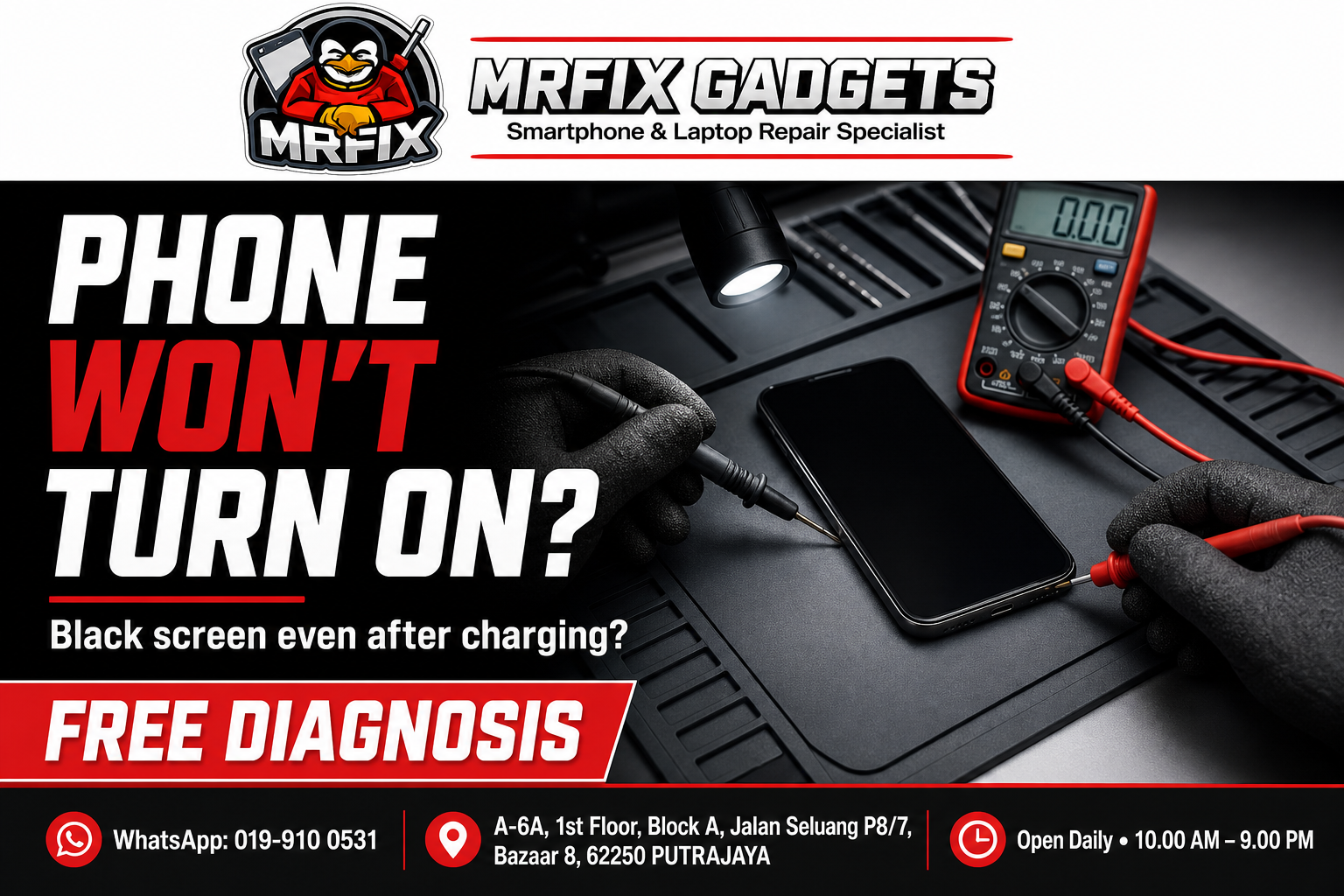
Common Android phone symptoms worth describing
Two phones that look equally “dead” can have different causes. A clear symptom history helps the technician narrow the inspection. Useful examples include:
- The phone vibrates or makes sounds but the display stays black.
- The charging symbol appears, but the battery level does not increase normally.
- The device restarts while opening an app or using the camera.
- Touch works in one area but not another.
- The problem began after a drop, liquid exposure, or a software update.
Avoid forcing the charging cable, repeatedly powering on a wet device, or assuming that a dark screen automatically means a motherboard fault. The correct next step depends on what the inspection finds.
What to bring for an Android repair inspection
1. The exact brand and model
Android models can use different displays, batteries, charging assemblies, and internal layouts even when their names look similar. If possible, note the full model shown on the box, receipt, or device settings.
2. A short history of the problem
Write down when the fault started and what happened immediately before it. For example: “The phone was dropped, the screen remained visible for an hour, and then touch stopped responding.” That sequence is more useful than saying only that the phone is broken.
3. The relevant charger or cable
If charging is the main issue, bringing the cable or adapter you normally use can help separate an accessory problem from a device problem. Do not bring unrelated accessories unless they are connected to the symptom.
How a check-first approach helps
A diagnosis should connect the reported symptom with what the device actually does during testing. The technician can then explain the finding and the available option before work proceeds. Repair in front of the customer may be suitable for some repairs, while other faults require a different inspection process. Warranty coverage is available for applicable repairs.
For official branch information, see the MRFIX Putrajaya page. You can also use the MRFIX contact page for general enquiries.
Visit MRFIX Putrajaya in Presint 8
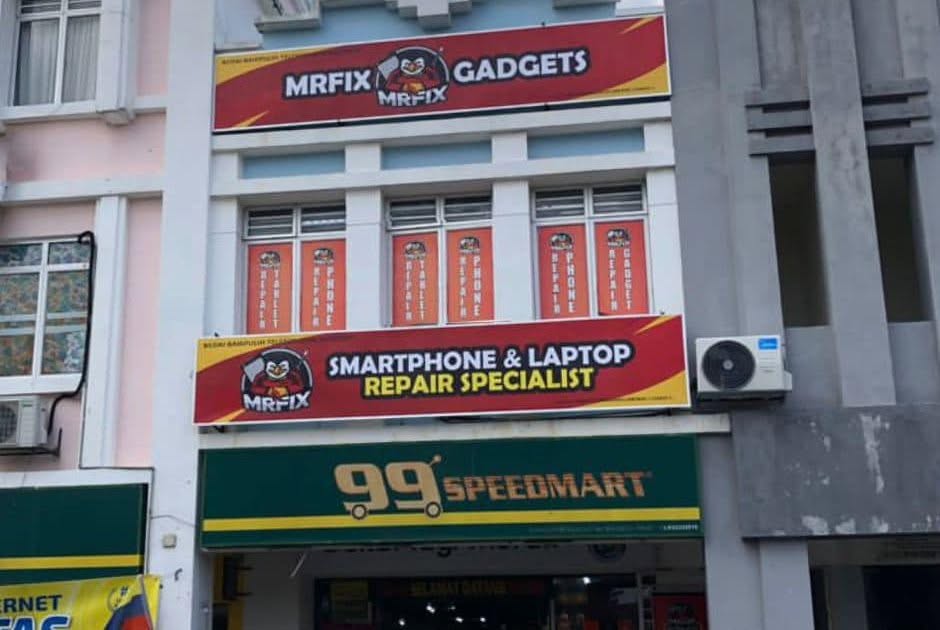
Address: A-6A, 1st Floor, Blok A, Jalan Seluang P8/7, Presint 8, 62250 Putrajaya
Phone: 019-910 0531
Book an Android phone inspection
Frequently asked questions
Do I need to know which part is faulty?
No. Describe the symptoms and what happened before the problem started. The inspection should determine the likely cause.
Can I ask about more than one Android symptom?
Yes. Include every relevant symptom in the booking form, especially if charging, heat, sound, display, or restart problems happen together.
Is every Android repair done in front of the customer?
No. Repair in front of the customer is offered when suitable for the repair. The inspection determines the appropriate process.