
A Vivo phone can need attention because the display, battery, charging, camera, audio, connection or startup behaviour has changed. People searching for Vivo phone repair Putrajaya usually want a local next step, but a brand name and a guessed component do not give a repair shop enough information to plan an inspection.
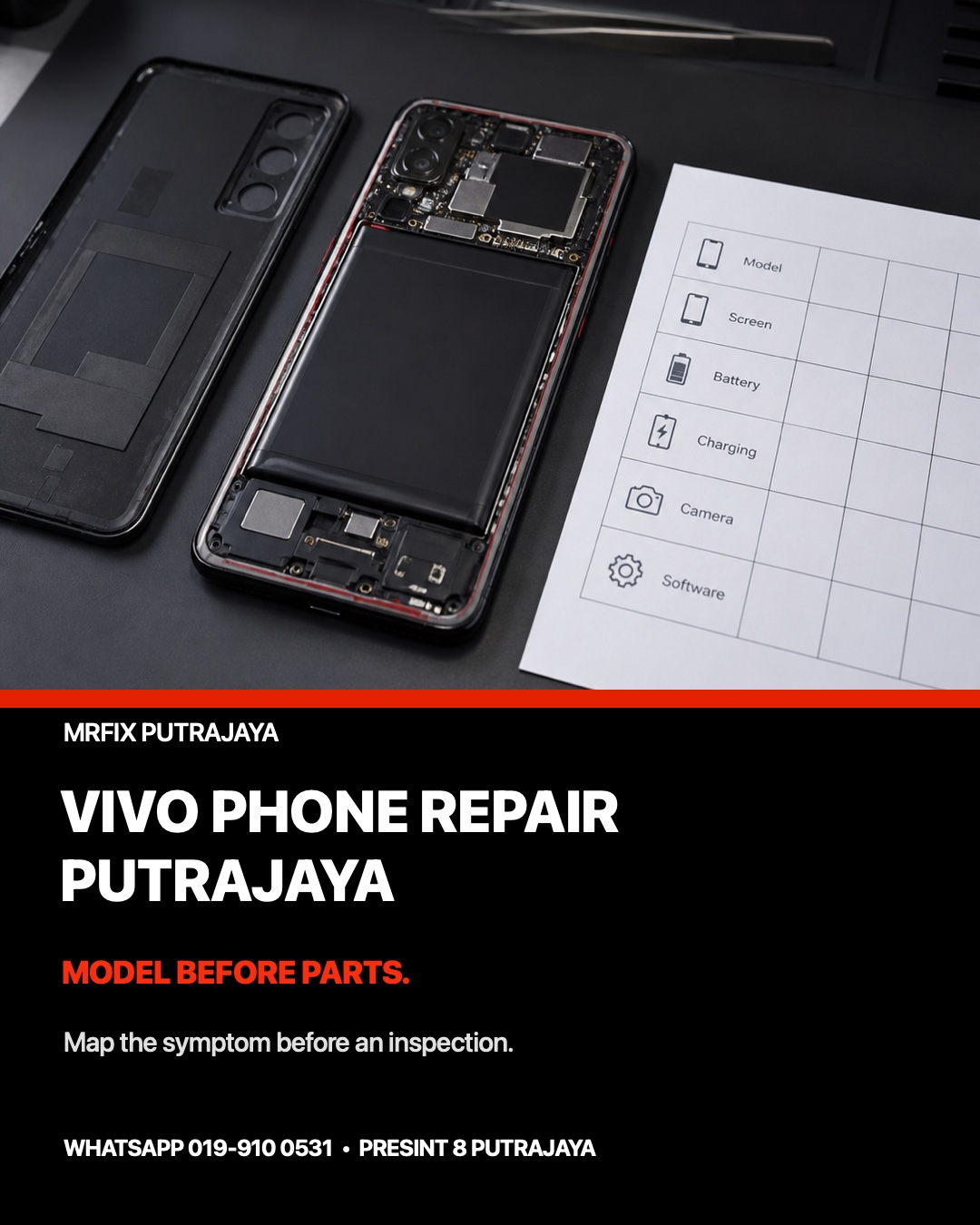
This guide uses a model-and-symptom map. It shows how to identify the Vivo device, describe the observable fault, record what happened before it began and prepare privacy choices without claiming that a particular part has failed.
Quick outline: build a useful Vivo repair brief
- Record the exact model and storage variant.
- Choose the one function that changed first.
- Describe the pattern instead of guessing a part.
- Note impact, liquid, heat, updates and earlier repairs.
- Prepare backup and privacy choices when the phone is stable.
Start with the full Vivo model
Names such as Vivo V series, Y series, X series or iQOO cover multiple generations and constructions. If the phone is usable, check its full model name in Settings. If it cannot start, use the box, purchase record or a non-private model label. Do not place an IMEI, serial number, password or account detail in a public message or booking form.
Include the storage variant when known and mention whether the phone has a standard slab design or a foldable construction. Exact identification helps the team ask relevant questions about screen, battery, charging and software behaviour. It does not confirm compatibility, availability, price or the final service route before inspection.
Use a six-function symptom map
Display and touch
Separate the visible image from touch input. Say whether the screen is cracked, lined, tinted, dim, partly black or completely blank. Then state whether touch works everywhere, misses one zone or registers input by itself. If sharp glass, a lifting panel or a bent frame is present, stop pressing the affected area.
Battery and heat
Record how the percentage changes, whether shutdown occurs at a repeatable level, where heat is felt and what task was running. A battery reading or warm phone is a clue, not a diagnosis. Stop charging and avoid unnecessary handling if the device is swollen, smells unusual, becomes excessively hot or shows a raised cover.
Charging
Use only known-compatible, undamaged accessories for a brief comparison when it is safe. Note whether the charging icon appears, disappears, changes with cable position or differs between power sources. Do not push metal tools, pins or liquid cleaner into the port.
Camera and audio
For a camera issue, identify front or rear camera and describe blur, shaking, black preview or failure to focus. For audio, separate calls, recordings, media playback and headphones. These comparisons show which function fails without declaring that a camera module, microphone or speaker must be replaced.
Connection
State whether Wi-Fi, Bluetooth, mobile signal, GPS or NFC is affected and whether another device works normally on the same network or accessory. Avoid repeating resets that could remove useful information. Record any recent system update, new case, new accessory or drop.
Startup and software
Describe the last logo, vibration, sound, charging indicator or error message. A phone that loops at a logo differs from one with a working system and one failing app. Avoid repeated forced restarts, especially after liquid exposure, impact, unusual heat or a burning smell.
Examples of clear Vivo service notes
The display is visible but touch misses one edge
Write the exact model, the affected edge, whether the problem appears on the lock screen and whether the phone was dropped or repaired earlier. This is more useful than writing “LCD rosak” because image and input can behave differently.
Charging works only with one cable
Record both cable conditions, whether the connector feels loose and whether the phone remains still during the comparison. Bring the relevant safe accessory or its specification. Do not assume that a port has failed from one accessory result.
The rear camera will not focus
State whether the lens cover is visibly scratched, whether all rear-camera modes behave the same and whether the issue followed impact. Do not shake, tap or press the camera area. A sample image can help when it contains no private information.
Prepare the phone before local inspection
Back up important data when the phone remains stable enough. Remove confidential notifications from the lock screen, record any access limitation and keep passwords out of the booking message. If the device is unsafe to power, report that first and leave it off. Bring only relevant, undamaged accessories.
For a broader handover list, use the Android phone repair preparation guide. If you are still choosing a local provider, compare the questions in the Putrajaya repair-shop checklist.
WhatsApp your Vivo model and symptom pattern
Book a Vivo phone inspection in Putrajaya
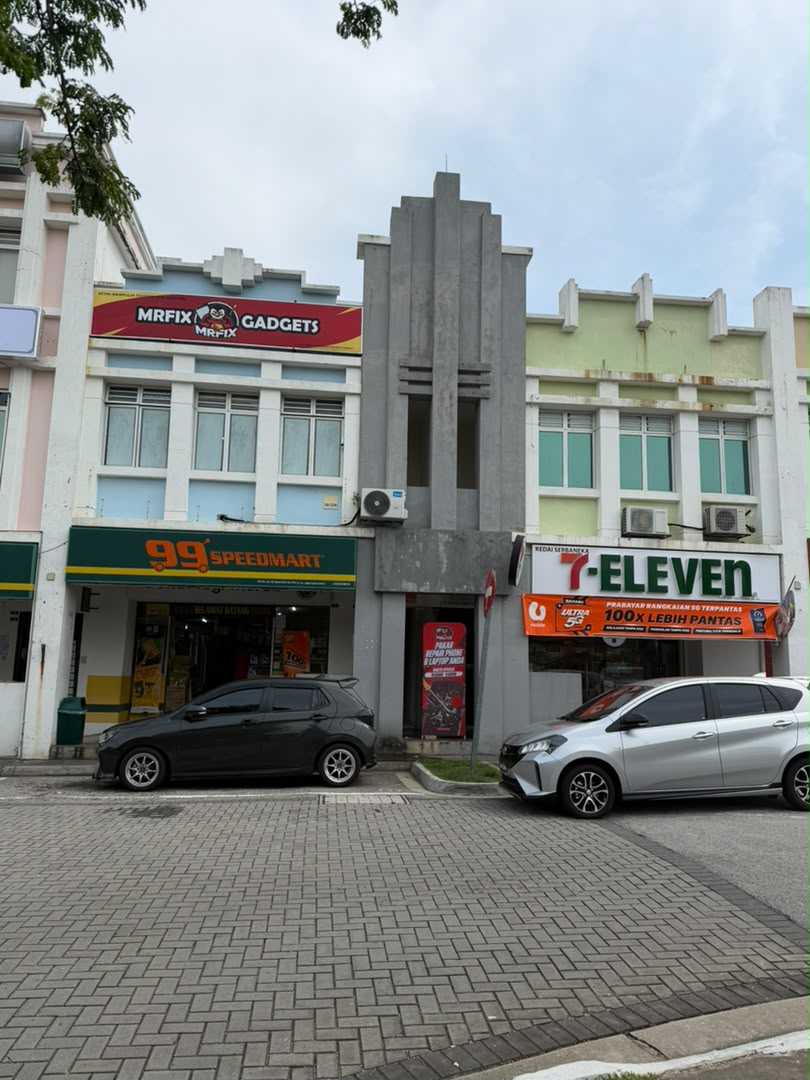
Visit MRFIX Putrajaya at A-6A, 1st Floor, Blok A, Jalan Seluang P8/7, Presint 8, 62250 Putrajaya. Call 019-910 0531 or submit the five details below. The correct next step depends on the exact model, condition and inspection findings; this page does not promise a price, repair time, component availability or outcome.
Vivo phone repair FAQ
Can I book with only the model family?
You can start an enquiry, but the complete model and storage variant make the intake more useful and reduce ambiguity.
Should I reset the phone before inspection?
Not automatically. Back up important data when safe, prepare privacy choices and describe the original symptom before changing settings.
Can a photo confirm which part is required?
No. A photo or symptom note may guide questions, but condition, compatibility and the repair route require inspection.