A phone that only works beside the router, drops WiFi when moved to another room, or reconnects at random needs a structured check. A useful repair WiFi phone Bangi assessment compares distance, network type and repeatable behaviour before any hardware conclusion is made.
Patterns worth noticing
- The signal falls faster than it does on other phones.
- WiFi disconnects when the screen locks or the phone is moved.
- The connection is stable near one router but weak elsewhere.
- One frequency band works while another is unreliable.
- The issue began after a drop, moisture exposure or previous service.
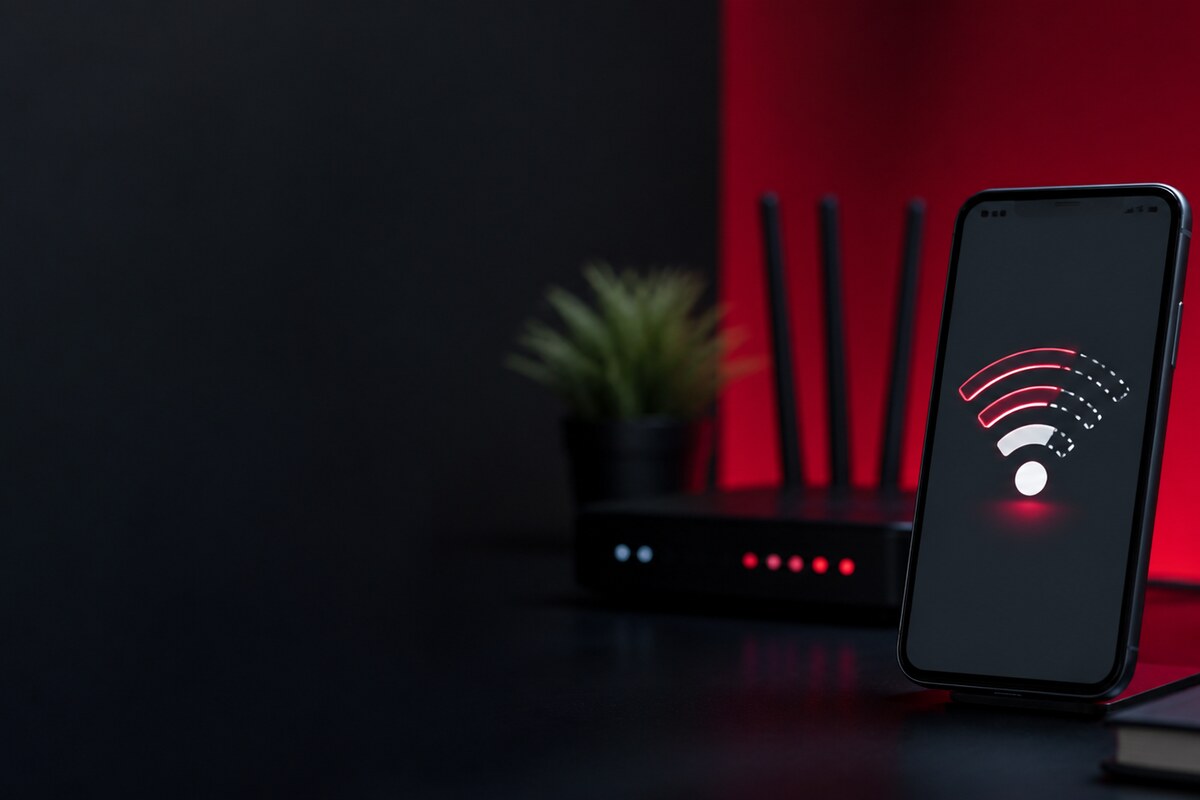
Compare distance instead of relying on the icon
Test the same network at a fixed point close to the router and again from another room. Compare the result with a second phone without changing the router position. Note whether the affected phone loses speed, disconnects completely or simply shows fewer signal bars. This controlled comparison gives more useful evidence than repeatedly restarting the device.
What a technician may compare
Diagnosis can include saved-network behaviour, software settings, case or frame interference, antenna contact condition and the phone's response on a known network. A stable Bluetooth connection does not automatically prove that WiFi hardware is healthy because the two functions can follow different signal paths and usage conditions.
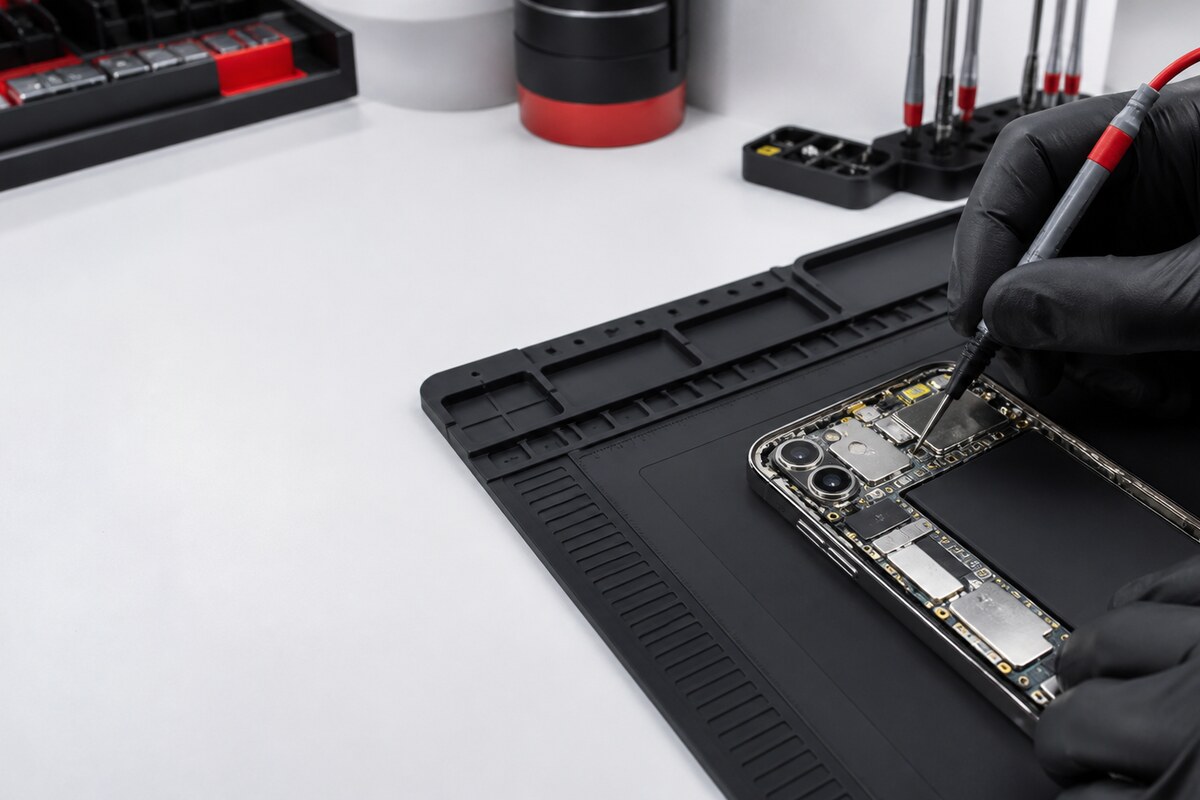
Bring a clear symptom timeline
- Phone model and current system version.
- Networks and locations where the dropouts happen.
- Whether mobile data and Bluetooth remain normal.
- Any case, update or repair added before the issue.
- Drop or moisture history, even if the phone still powers on.
MRFIX Bangi is located in Seksyen 7 for customers around Bandar Baru Bangi, Kajang, Putrajaya, Serdang, Nilai and Semenyih. Bring the phone with its usual case so the condition can be checked as it is normally used.