Repair OLED Burn-In Phone Bangi: Faint Icons and Static Screen Shadows
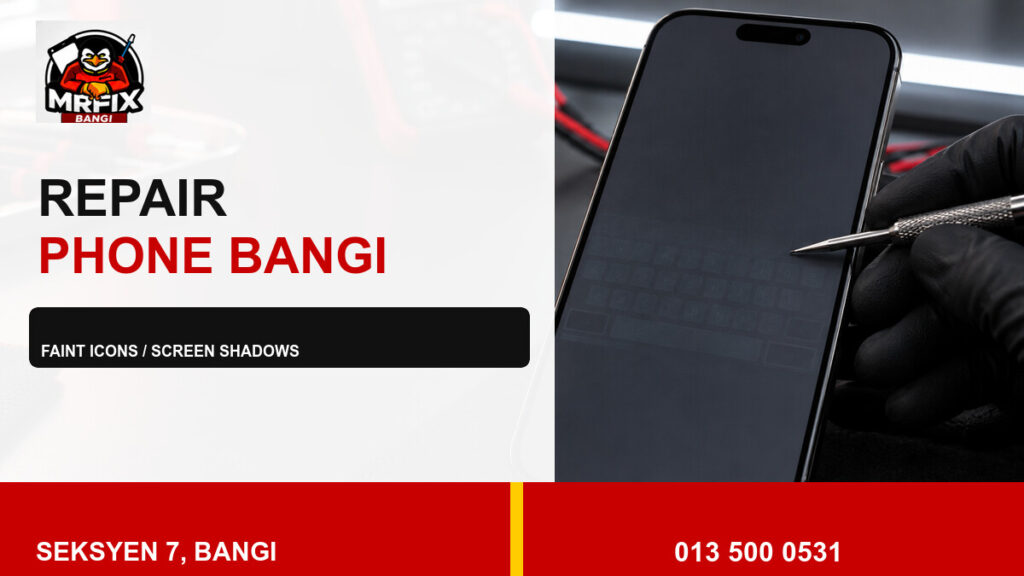
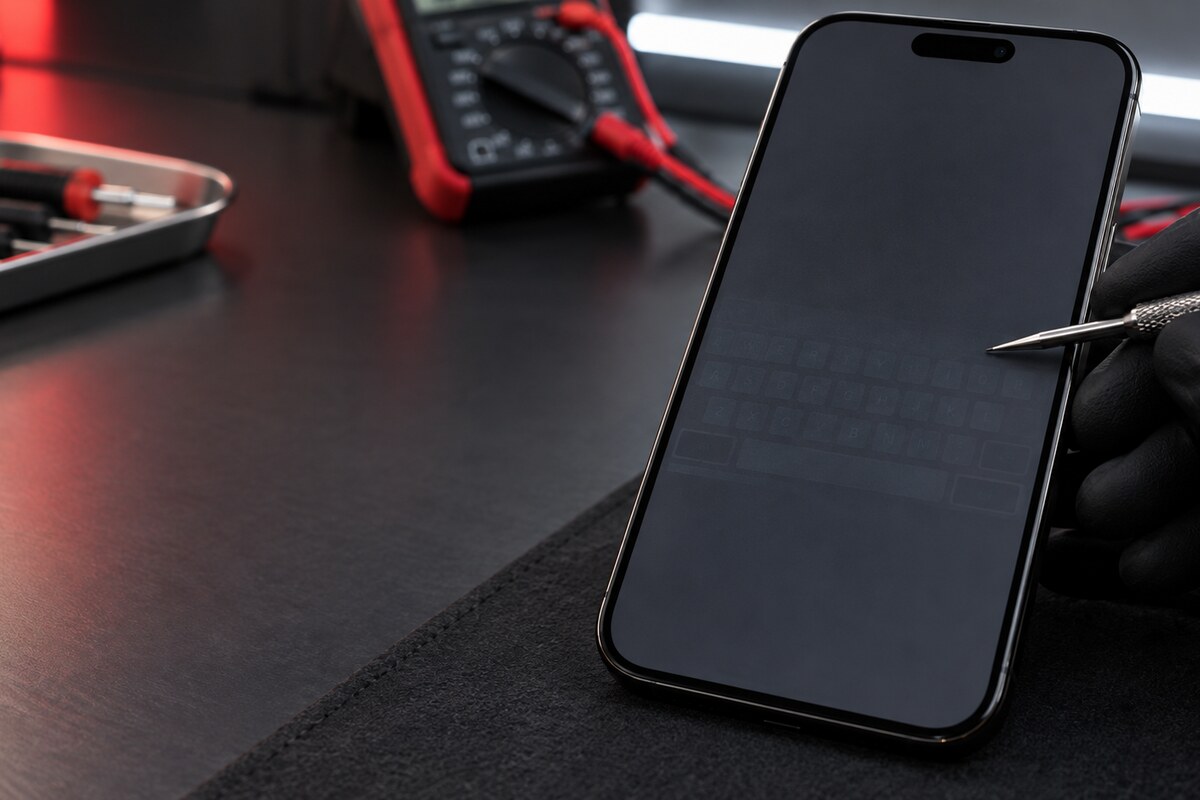
Do faint icons, keyboard outlines or navigation controls remain visible after the screen changes? A structured repair OLED burn-in phone Bangi check can separate persistent panel wear from temporary image retention, display settings and app behaviour.
Clues visible across different screens
- A static icon outline remains on grey or white backgrounds.
- A keyboard pattern is visible outside the keyboard app.
- One section has uneven colour or brightness.
- The same shadow appears after a normal restart.
- The effect becomes clearer at particular brightness levels.
Use simple colour tests
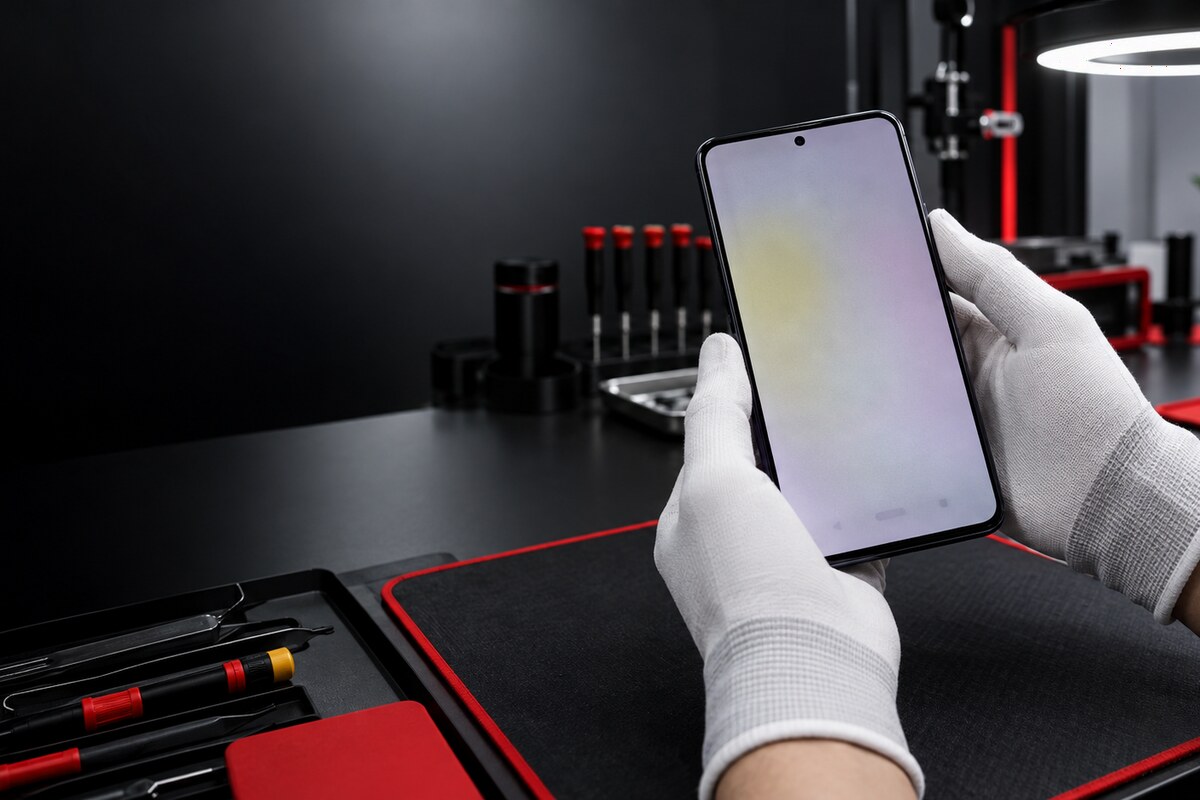
View clean grey, white, red, green and blue fields and note whether the mark stays in the same position. Photograph the result with another device if possible. Avoid pressing the panel or running aggressive flashing videos for long periods; those steps can add heat and do not reliably reverse permanent pixel wear.
Persistent burn-in versus temporary retention
Temporary retention may fade after the display rests, while burn-in usually remains in the same shape and location. Temperature, brightness habits, screen age and previous replacement history all matter. A technician can also check for separate issues such as flicker, touch faults, loose display connections or impact damage.
What to bring for a useful assessment
- The phone model and approximate display age.
- Examples of apps where the shadow is easiest to see.
- Any drop, moisture or previous screen-service history.
- The brightness setting normally used.
- Notes about lines, flicker, dim areas or touch problems.
Visit MRFIX Bangi in Seksyen 7
MRFIX Bangi serves customers from Bandar Baru Bangi, Kajang, Putrajaya, Serdang, Nilai and Semenyih. Showing the exact pattern helps the team inspect the display systematically and discuss an appropriate next step without guessing from a description alone.