A phone that stays in portrait during videos, rotates late, or flips while resting can interrupt everyday use. A careful repair auto rotate phone Bangi assessment separates orientation settings, app behaviour, magnetic accessories and motion-sensor response before any repair decision is made.
Common rotation symptoms
- Videos remain vertical after the phone is turned sideways.
- The display needs several movements before it changes orientation.
- The screen flips while the device is lying nearly flat.
- Maps, camera previews and galleries respond differently.
- The issue began after a drop, moisture exposure or another service.
Compare more than one app
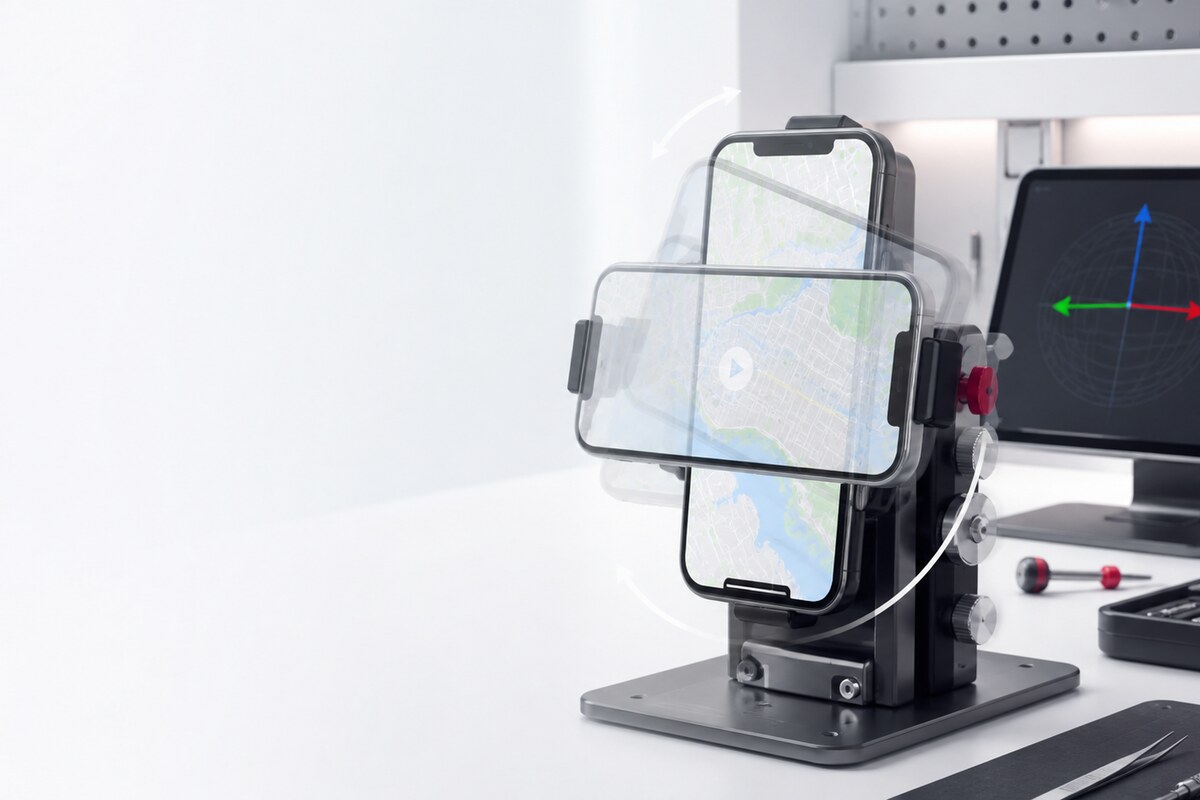
First confirm that orientation lock is off and automatic rotation is enabled. Then compare a video, gallery image and another supported app. Some screens are intentionally fixed in portrait, so a single app is not enough to identify a hardware fault. Restarting the affected app also helps distinguish a temporary app state from a repeatable device-wide symptom.
Test without the case or magnetic mount
Remove a tight case, ring holder or magnetic mount for a controlled comparison. Place the phone upright, turn it slowly to landscape, and repeat on a stable surface. Avoid shaking, striking or twisting the device to force a response. Those actions do not provide a useful diagnosis and can introduce unrelated physical damage.
Why rotation may be intermittent
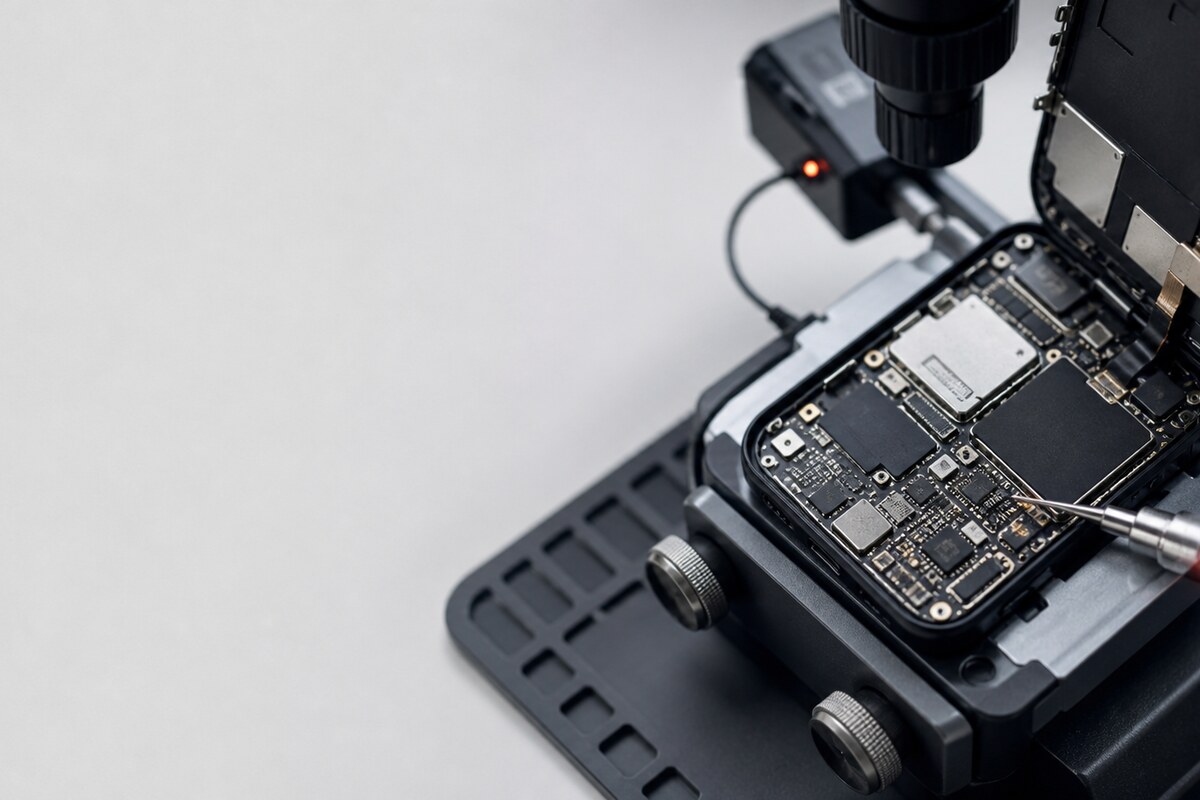
Automatic rotation combines motion readings with software rules and the active app's layout. A phone held almost flat may not have a clear portrait or landscape direction. Heat, a recent update or a background process may also change when the symptom appears. Recording those details makes the behaviour easier to reproduce during inspection.
Details worth bringing to the technician
- The phone model and current operating-system version.
- The apps where rotation fails most often.
- Whether orientation lock was recently changed.
- The case, holder or magnetic accessory normally attached.
- Any recent drop, screen replacement, moisture incident or update.
Local assessment in Seksyen 7
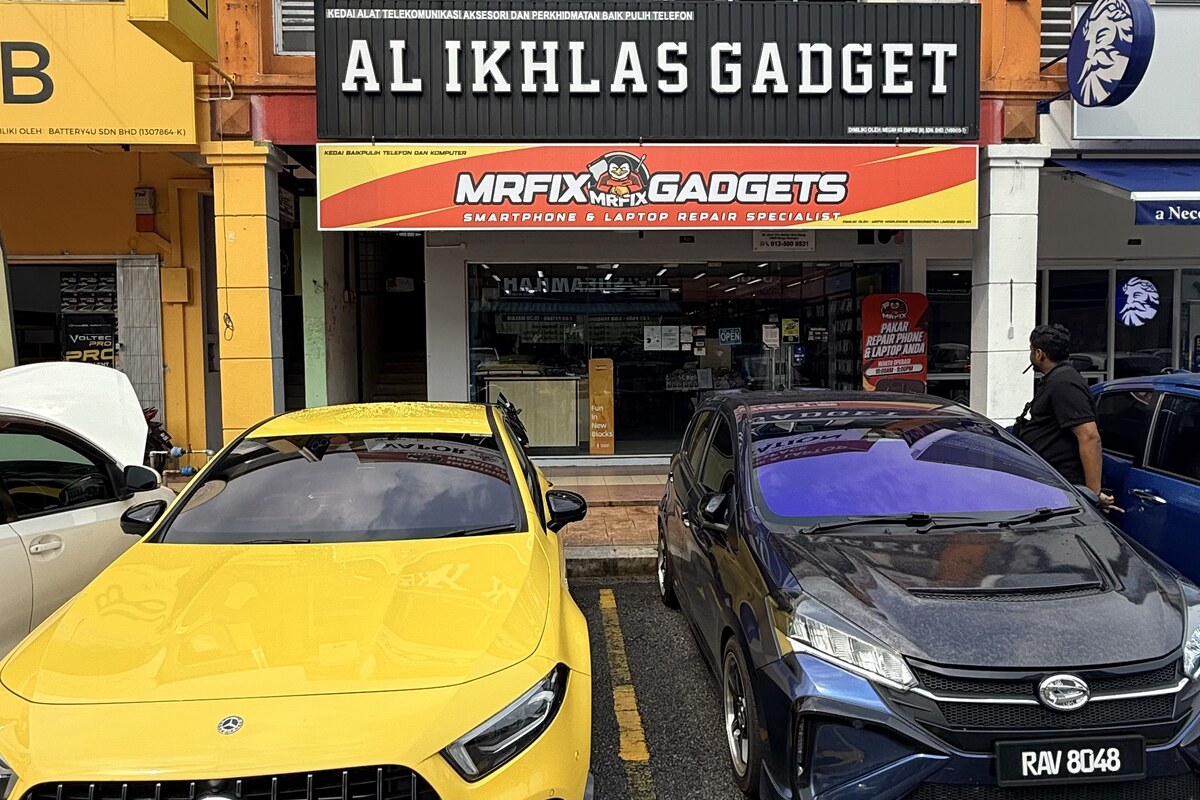
MRFIX Bangi in Seksyen 7 serves customers from Bandar Baru Bangi, Kajang, Putrajaya, Serdang, Nilai and Semenyih. Bring the accessories you normally use so the phone can be compared in its usual setup. A structured check helps separate an app or setting issue from installation alignment or an internal component concern.