
Repair SIM Tray Phone Bangi: When the Tray Will Not Eject
A SIM tray that will not eject, sits unevenly, or refuses to close can turn a small task into a larger phone problem. A careful repair SIM tray phone Bangi assessment checks the tray, card orientation, eject mechanism, frame opening, and device response before any part is assumed to be faulty.

Stop when resistance feels unusual
A normal eject action should not require repeated force. If the tool bends, slips, or does not produce any movement, stop. Confirm that the opening is the SIM eject hole rather than a microphone port. Forcing the wrong opening or pulling an exposed edge with metal tools may create additional damage.
Useful symptoms to record
- The tray does not move after a straight, gentle press.
- Only one corner lifts while the other remains stuck.
- The tray closes but stays proud of the phone frame.
- The SIM card shifts inside the tray or no longer sits flat.
- The phone reports no SIM after a drop or previous tray removal.
Low-risk checks before service
- Power the phone off.
- Remove the protective case if it covers the tray edge.
- Use the correct eject tool and keep it perpendicular to the frame.
- Check the tray and SIM card on a clean, bright surface.
- Do not insert a tray borrowed from another phone model.
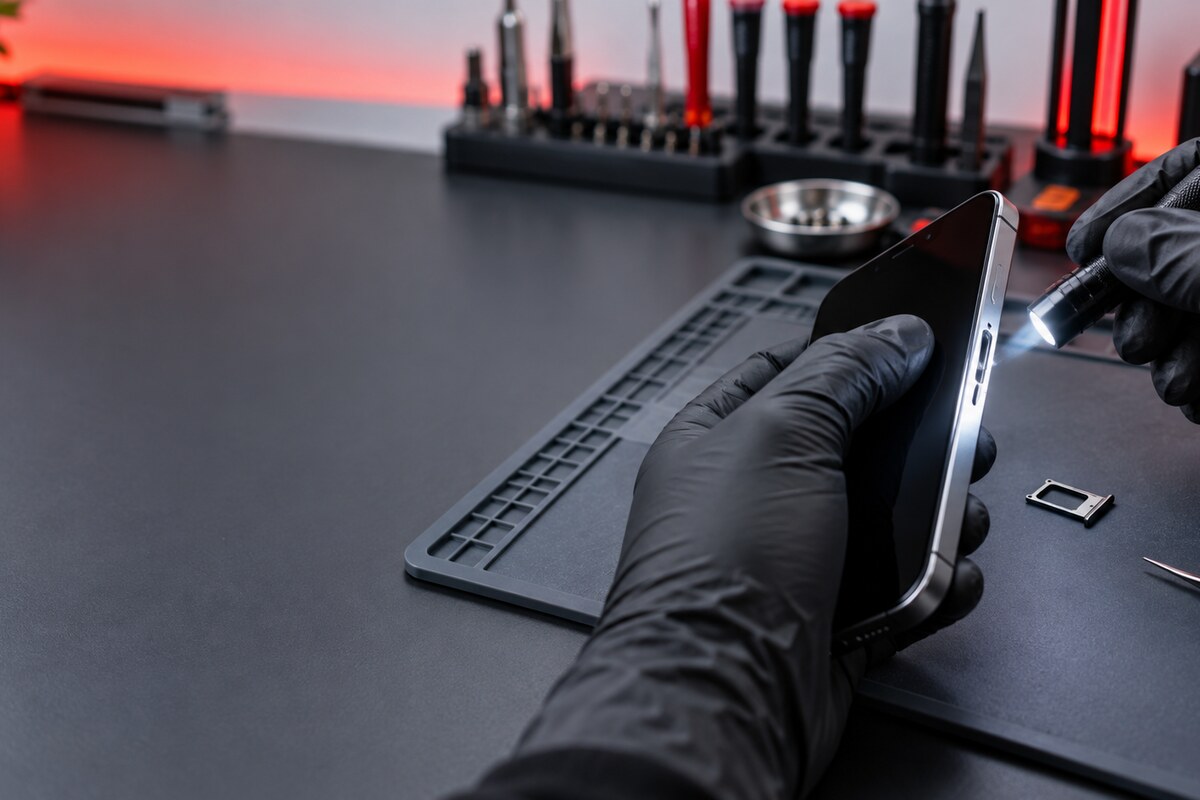
Why the tray shape matters
Even a small change in the tray’s outline may stop it from following the slot correctly. A card that is lifted at one edge can create similar resistance. If the tray and card appear normal but detection remains intermittent, the slot and phone response need separate checks. These observations guide diagnosis but do not prove the final cause by themselves.
A structured check in Bangi
MRFIX Bangi in Seksyen 7 can compare tray condition, frame alignment, card seating, and device response. Customers around Bandar Baru Bangi, Kajang, Putrajaya, Serdang, Nilai, and Semenyih can bring the original tray and affected SIM card when it is safe to do so.

Prepare a concise service note
Include the phone model, whether the tray opens, when the symptom began, and any recent drop, pressure, liquid contact, or previous service. A clear photo of the phone’s side and removed tray can help. Keep your SIM PIN and phone password private.
A controlled inspection protects the phone from avoidable force and lets the next step be chosen from evidence rather than assumptions about parts, cost, timing, or outcome.