
An NFC feature that works on one attempt and fails on the next can be difficult to describe. A structured repair NFC phone Bangi check looks at repeatability, phone position, accessories, software conditions and the antenna area before deciding whether hardware service is relevant.
Record the intermittent pattern
Note whether the tap fails only after the phone wakes, only with one reader, or after the device becomes warm. Test without repeatedly striking or squeezing the phone. If possible, compare two known-working readers or tags; a failure limited to one terminal may not point to the phone.
Common variables to remove first
- Remove a thick case, magnetic ring or cards stored behind the phone.
- Confirm the relevant NFC setting is enabled when the model exposes it.
- Unlock the device and follow the app's normal verification steps.
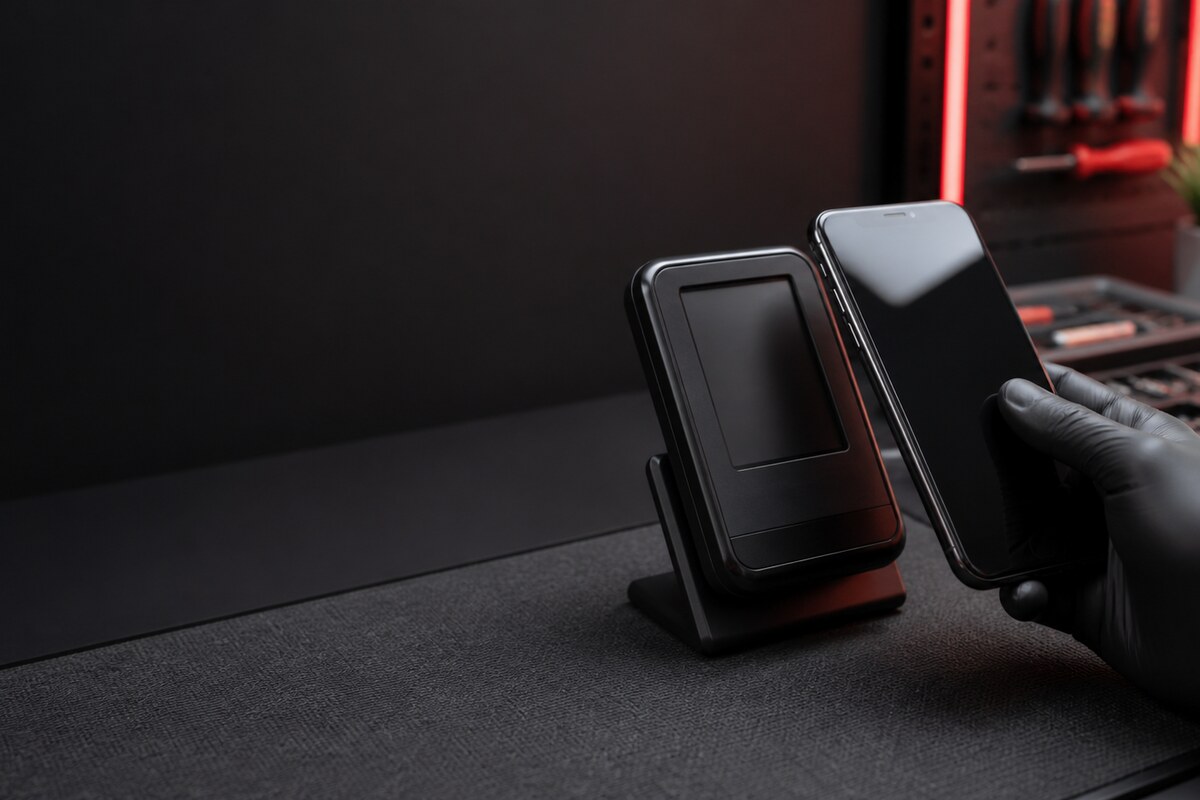
- Move the correct antenna area slowly across the reader.
- Restart the phone once and retest under the same conditions.
How a workshop check narrows the cause
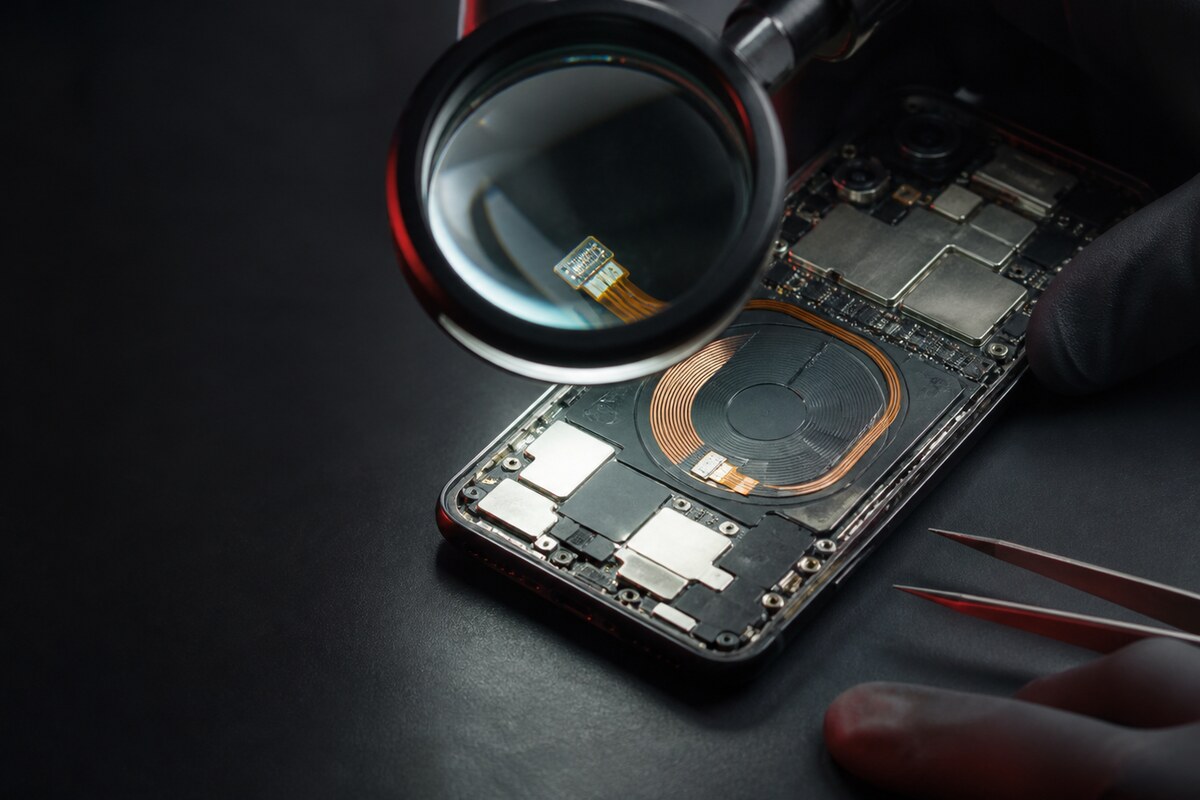
A technician can compare the symptom across controlled tests, inspect the rear frame and look for impact or moisture history around the antenna and connector path. The goal is to establish whether the phone is failing consistently, whether the problem follows an accessory, or whether one application or reader is the only trigger.
Bring useful context
Bring the normal case and explain the exact action that fails. Mention recent drops, moisture exposure, rear-glass work or other repair history. Do not share account passwords, PINs or payment details; the physical reading behavior can be discussed without disclosing private credentials.
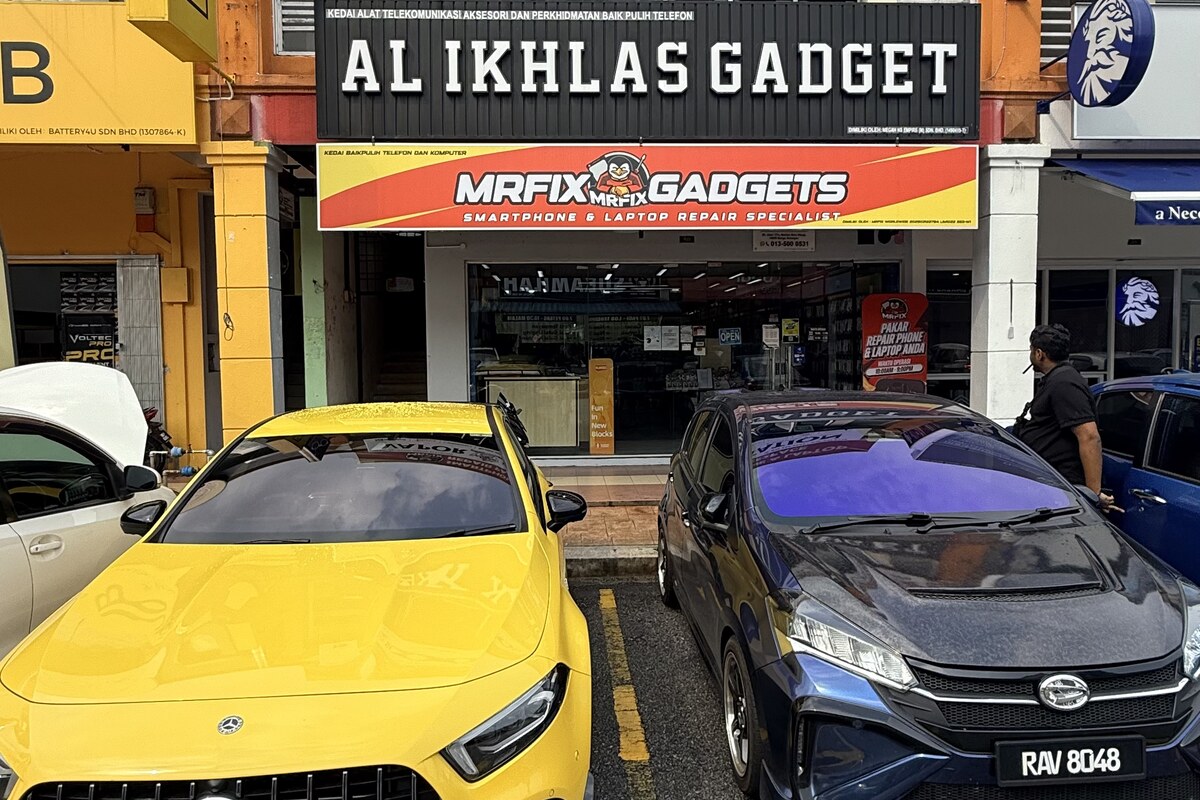
MRFIX Bangi in Seksyen 7 serves customers from Bandar Baru Bangi and nearby Kajang, Putrajaya, Serdang, Nilai and Semenyih. An in-person check allows the device condition to guide the next step.