
A fingerprint reader can become unreliable even when the phone otherwise works normally. It may recognise a touch but reject the print, respond only after several attempts, or disappear from the security menu. A careful repair fingerprint sensor phone Bangi assessment looks at the failure pattern before any repair decision is made.
Check when the failure occurs
Start with clean, dry hands and test the same registered finger several times. Then compare it with another enrolled finger. Note whether the problem appears after waking the phone, after a restart, while charging, or only when a case or screen protector is fitted.
- The sensor responds slowly but eventually unlocks.
- Every registered fingerprint is rejected.
- The fingerprint option is missing from settings.
- The issue started after a drop or previous screen work.
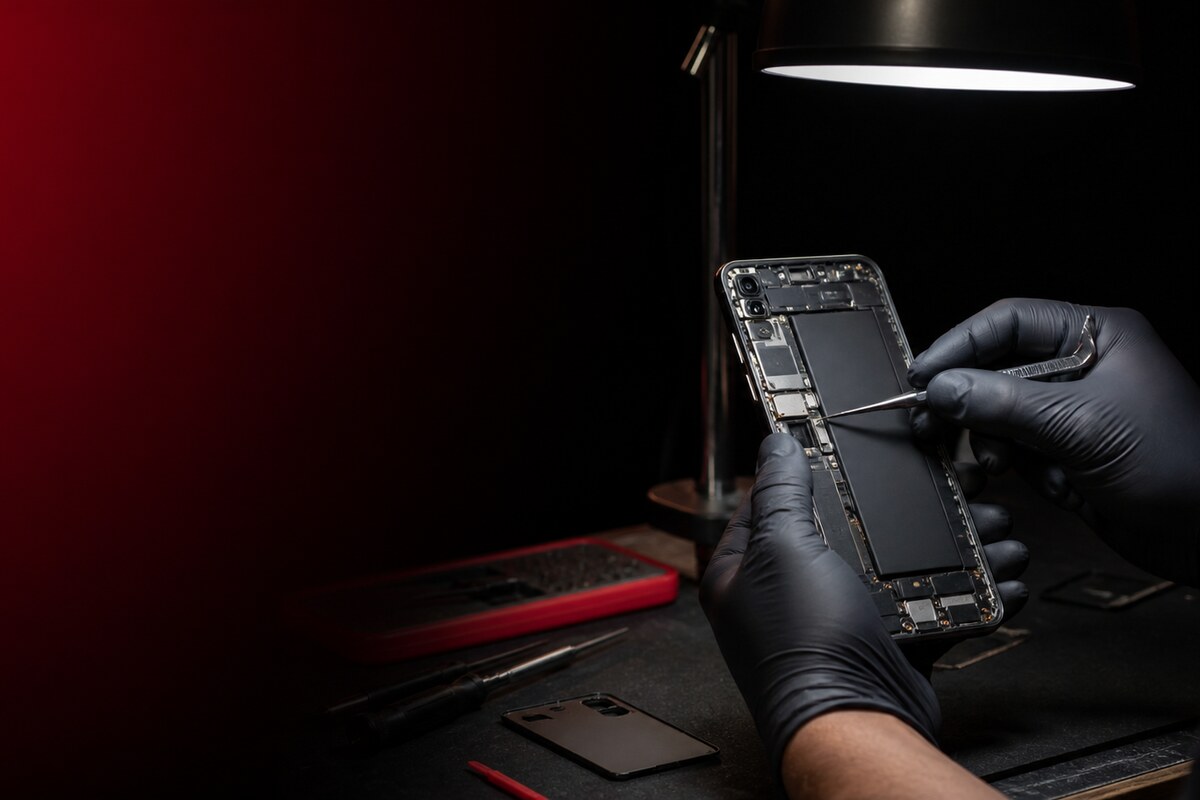
WhatsApp MRFIX Bangi: 013 500 0531
Avoid forcing repeated enrolment
Deleting and re-enrolling a fingerprint can be a useful comparison when the setting remains available, but it should not become an endless cycle. Do not press unusually hard, scrape the reader, or apply liquid cleaner around openings. For an under-display reader, inspect the protector for bubbles, cracks or excessive thickness.
What a structured diagnosis considers
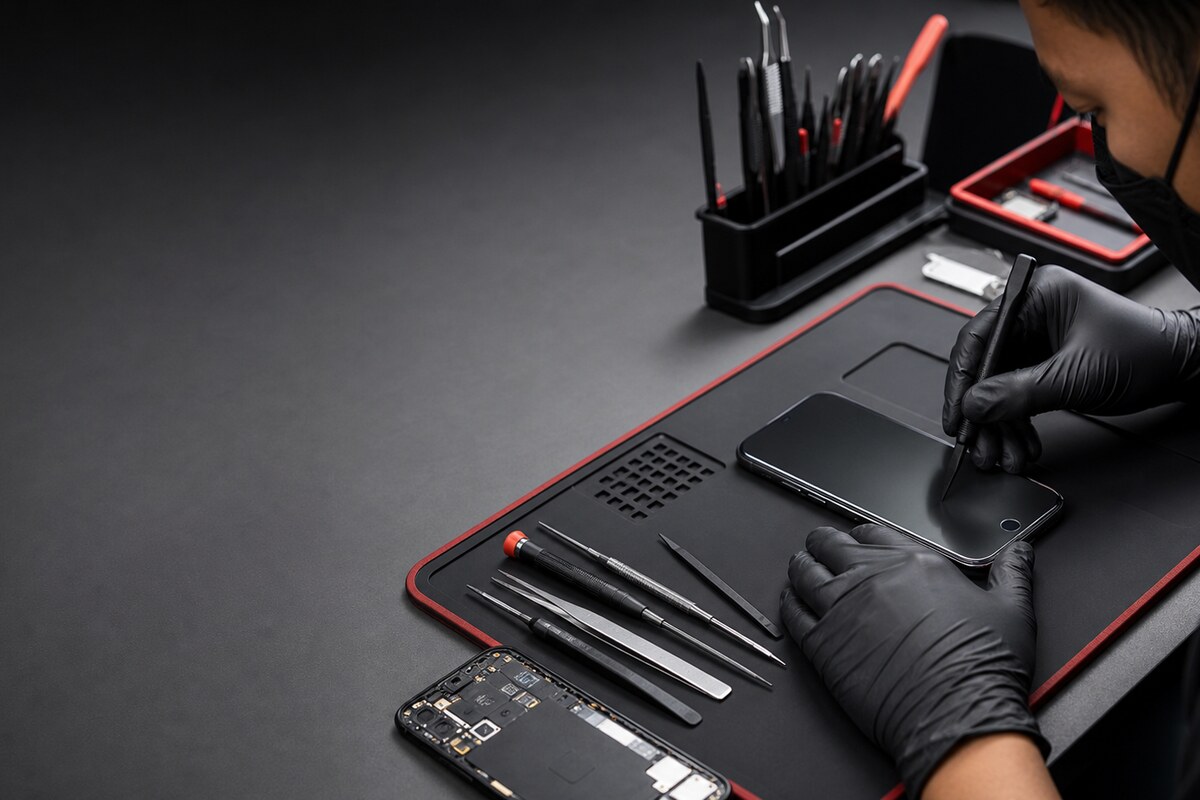
A technician may compare software behaviour, surface condition, screen response and internal connections. The same symptom does not prove that the sensor itself is defective. A previous drop, moisture exposure, frame movement or screen replacement can change the diagnosis.

Submit the MRFIX Bangi Repair Form
Bring a useful fault history
Share the phone model, the first time the problem appeared, any recent impact or screen work, and whether the reader still reacts to touch. This gives a repair fingerprint sensor phone Bangi inspection a clear starting point without assuming the cause.