
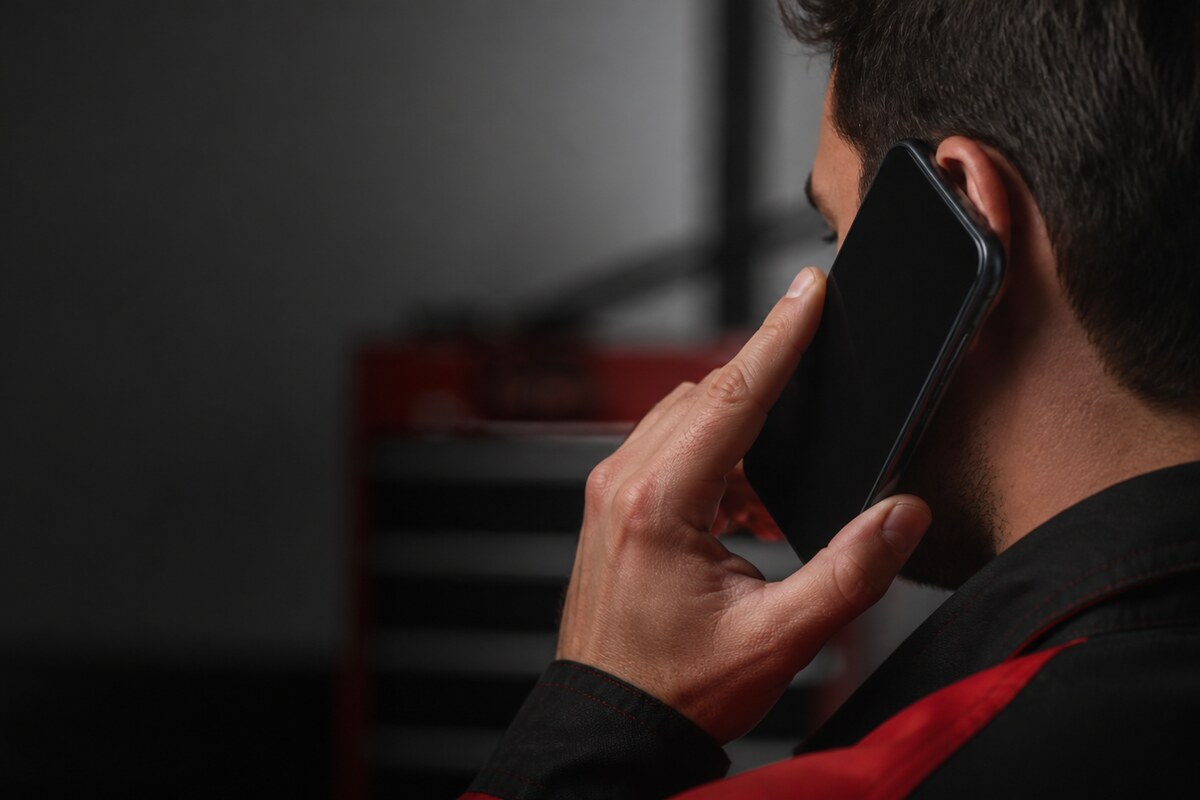
Accidental taps during a call can be more than a handling problem. A phone should normally darken its display when it is close to your face, then wake again when it moves away. When that response becomes unreliable, mute, keypad or speaker controls may activate unexpectedly. A careful repair proximity sensor phone Bangi check separates repeatable sensor behaviour from one-off touches.
Recreate the call-screen problem safely
Start a normal call and hold the phone in your usual position. Move it slowly toward and away from your ear while watching the display response. Repeat the same test with the case removed, and avoid covering multiple openings with your hand so the result is easier to interpret.
- The keypad appears while the phone is against your face.
- Calls switch to speaker or mute without an intentional tap.
- The display stays dark after the phone moves away.
- The symptom changes after removing a case or screen protector.
WhatsApp MRFIX Bangi: 013 500 0531
Rule out simple obstructions first
Wipe the upper display with a dry microfiber cloth and check whether a protector overlaps the earpiece or sensor area. Restart the phone once and compare the built-in calling app with the app where you first noticed the issue. Avoid sharp tools, liquids and pressure around the top bezel.
Share the history behind the symptom
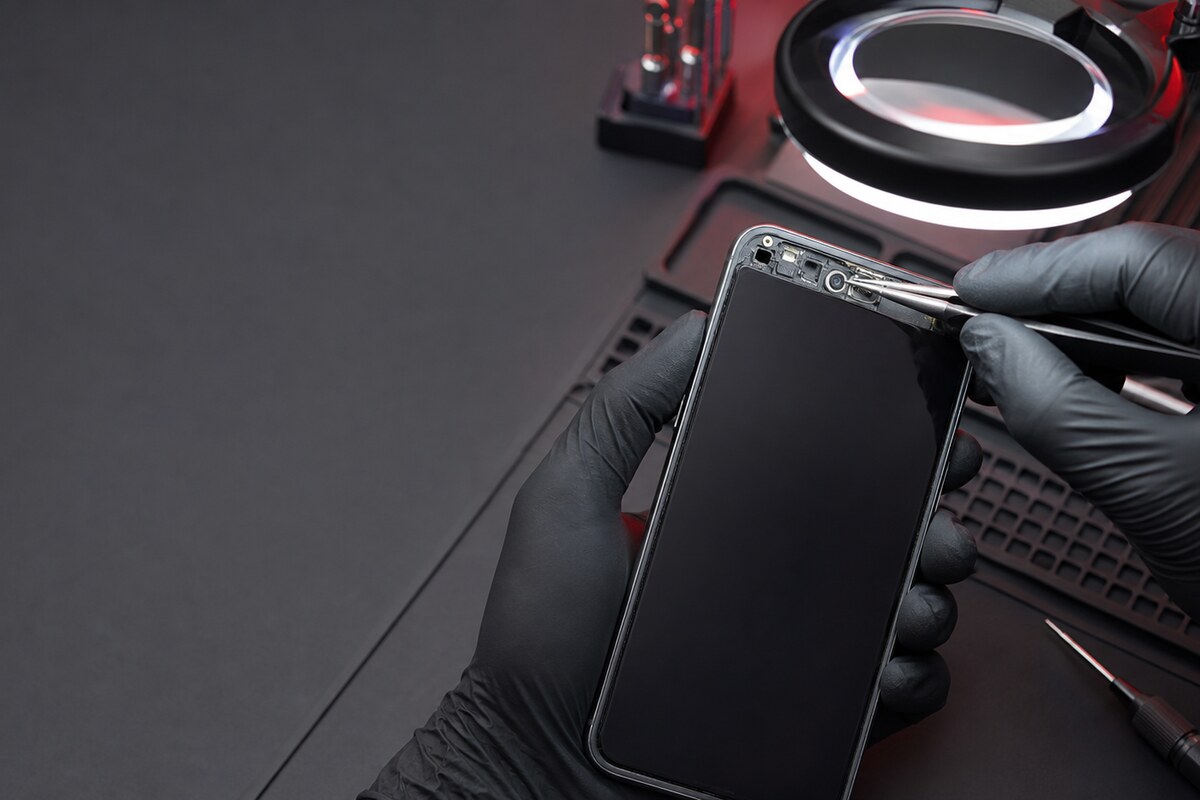
Tell the technician whether the display was replaced, the device recently fell or moisture reached the top section. Note whether the issue occurs in every calling app or only one. MRFIX Bangi in Seksyen 7 can use this history with physical and functional checks before recommending any work.

Book a Check with the MRFIX Bangi Form
Let evidence guide the repair
Similar symptoms can come from an obstruction, software behaviour, display alignment or the sensor path itself. Testing the conditions that trigger the problem keeps repair proximity sensor phone Bangi focused on the real cause instead of replacing a component based only on a guess.