
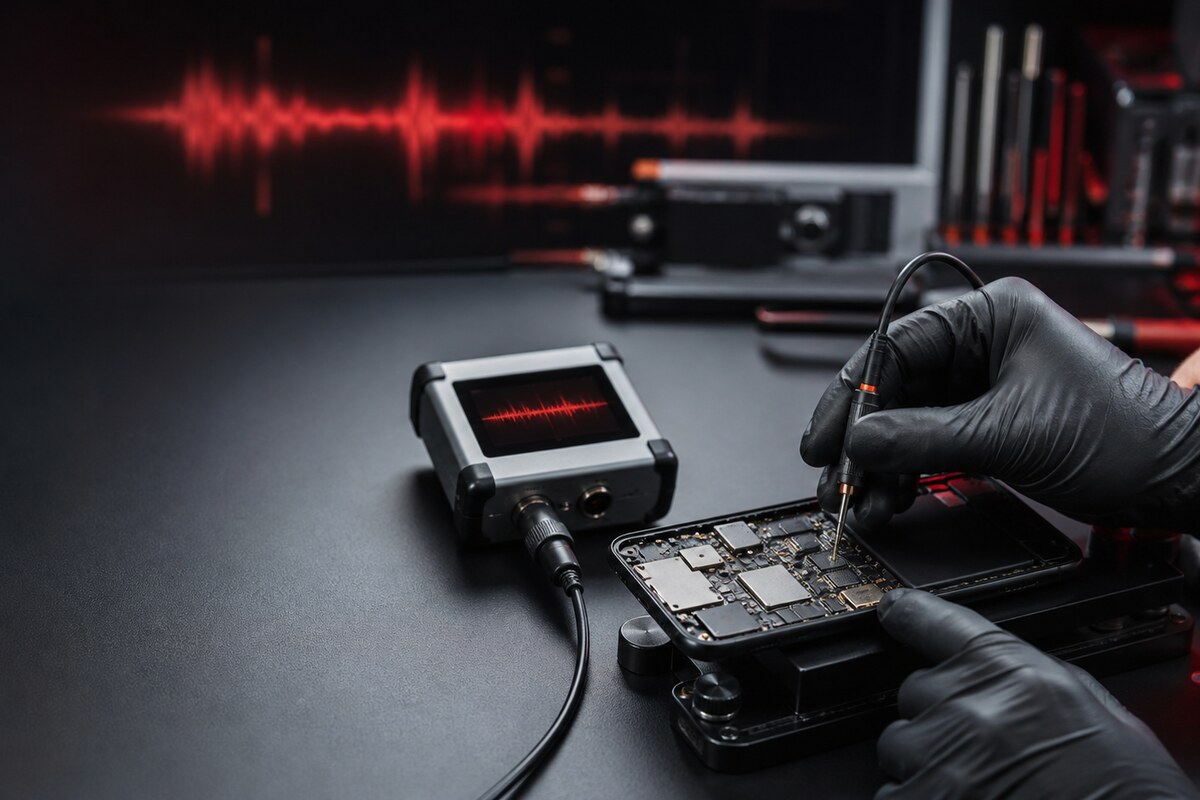
When callers say your voice sounds distant, muffled or distorted, the microphone is only one part of the audio-input path that should be considered. A blocked opening, a connected accessory, app permissions or a physical fault can create similar symptoms. A sensible repair microphone phone Bangi check begins by making the problem repeatable.
Test the symptom under simple conditions
Record a short voice note in a quiet room, then compare a normal call with a speakerphone call. Disconnect Bluetooth devices and remove a case that may overlap the microphone opening. Keep the phone at the same distance each time so the comparison is meaningful.
- Your voice is faint on calls but clearer in video recordings.
- Audio becomes distorted only when the phone is held a certain way.
- A headset works normally while the phone microphone does not.
- The issue appeared after impact, moisture or prior repair work.
WhatsApp MRFIX Bangi: 013 500 0531
Avoid damaging the microphone opening
Do not push pins, needles or wet cleaning products into the small holes around the phone. These openings may contain protective mesh close to delicate parts. A gentle external visual check is enough before service. Restart once and review microphone permission for the affected app, but avoid unknown “audio booster” utilities.
Bring a useful symptom history
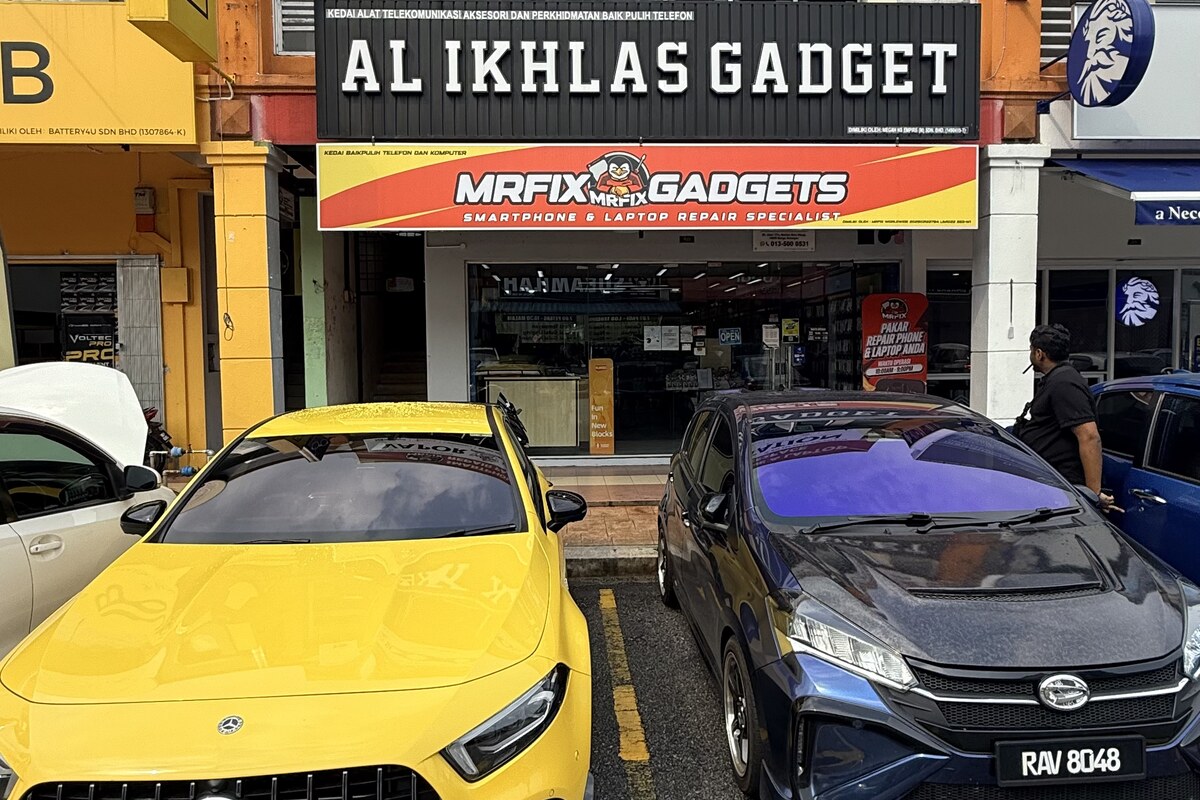
Share the phone model, affected apps and whether the problem happens during calls, voice notes, video or all three. Mention any recent fall or moisture exposure. MRFIX Bangi in Seksyen 7 can use this information to narrow the check before discussing any repair option.
Use the MRFIX Bangi Booking Form
Let the evidence guide the repair
An app-specific problem may not require internal work, while the same failure across controlled recordings may justify inspection of the microphone path and related connections. For repair microphone phone Bangi, the goal is to identify the failing condition before recommending component work.