
If you are comparing options for iPad screen replacement Putrajaya, start by identifying what the tablet actually does after the damage. Cracked glass, a blank display, coloured lines, dark patches, and unreliable touch can overlap, but they do not always describe the same fault.
This guide explains which symptoms to record, how to identify the exact iPad model, and what to prepare before an inspection at MRFIX Putrajaya. The aim is to help you ask better questions without assuming a price, part, or repair outcome before the device is checked.
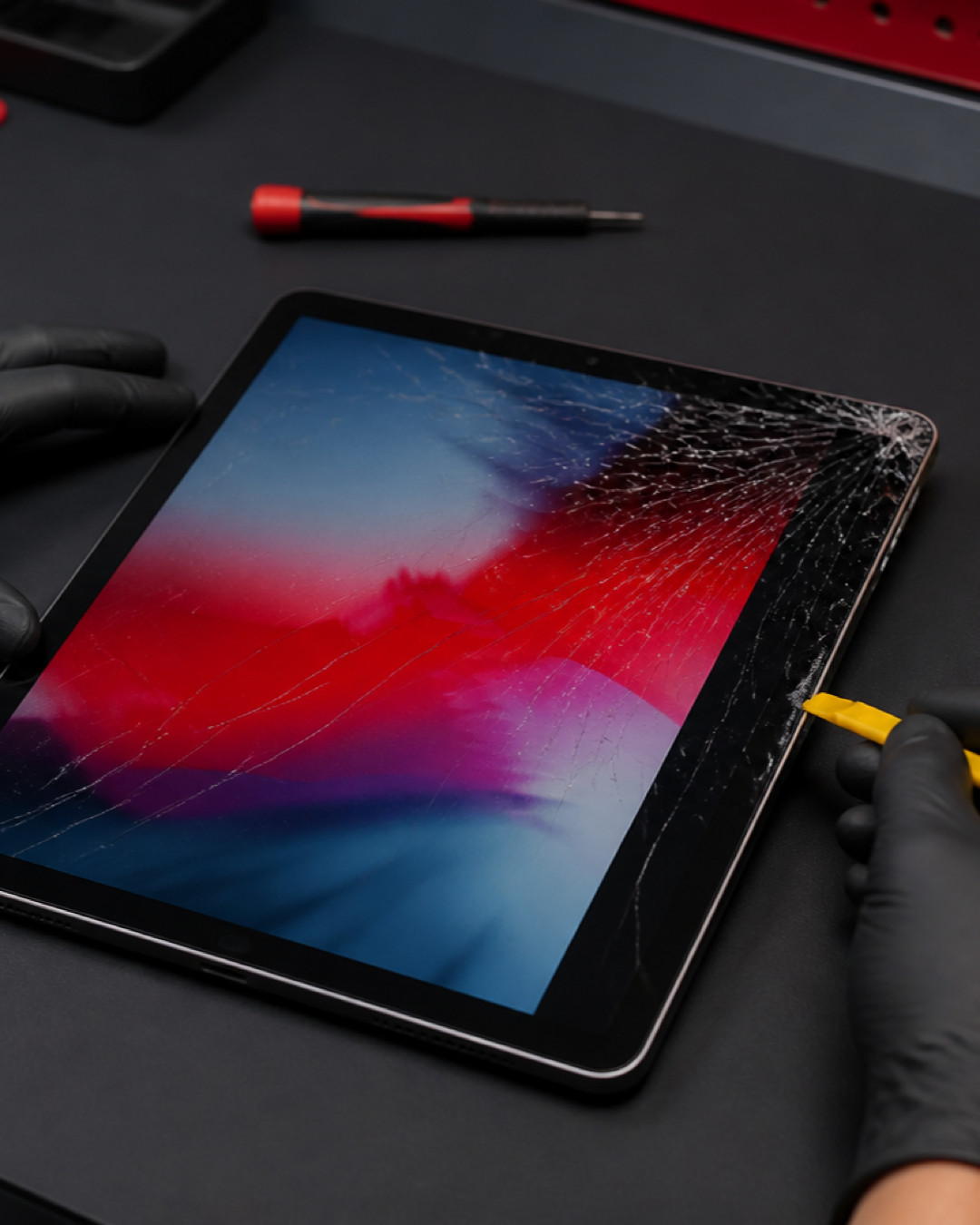
Start with the screen symptom, not the repair name
A customer may say “the LCD is broken” when the visible problem is cracked glass, or may ask for glass replacement when the display underneath is also affected. Record what you can observe without pressing, twisting, or repeatedly testing the damaged area.
Cracks are visible but the picture remains clear
Note where the crack begins and whether any sharp edge is exposed. Do not peel loose glass, place heavy tape over sensors, or push down on the screen. A clear picture does not confirm that every screen layer is undamaged.
Lines, flicker, black patches, or no picture appear
Take a photo of the symptom with another device when possible. Record whether it appeared immediately after a drop or developed later. Stop testing if the tablet becomes unusually warm, shows swelling, or has been exposed to liquid.
Touch works only in certain areas
Write down which part of the screen misses taps, types by itself, or responds intermittently. Avoid forceful swiping and do not factory-reset the iPad merely to test a possible hardware problem.
Identify the exact iPad before requesting a quote
“iPad Air,” “iPad Pro,” and “iPad mini” each cover multiple generations. The exact model matters because devices that look similar can use different screen assemblies and internal layouts.
- Check the model name in Settings if the screen is usable.
- Look for the model number on the device or original purchase record.
- Record the approximate screen size and whether the home button or Face ID is present.
- Photograph the front, corners, and frame without removing the screen.
- Mention any earlier screen, battery, or charging repair.
If the display cannot be used, do not keep powering the tablet on just to retrieve these details. Bring the iPad for identification and inspection.
Three examples that change the inspection angle
Example 1: a corner impact followed by a long crack
The frame corner and the way the screen sits should be checked together. A photo of the impact point helps explain the sequence, but it cannot confirm the required part by itself.
Example 2: the image is normal but touch becomes erratic
Record whether the behaviour happens across the whole display or only one section, and whether it changes while charging. Bring the usual charger only if it is safe and relevant to the symptom.
Example 3: the screen is black but sounds still play
Mention notifications, charging sounds, vibration, or computer detection. A black screen with other activity is different from a tablet that shows no response at all.
Repair or replace: what should you compare?
The decision depends on the exact model, physical condition, inspection findings, and your reason for keeping the device. Before deciding, ask what has been diagnosed, which part is proposed, and whether another issue affects the tablet’s overall condition. MRFIX must inspect the iPad before confirming a suitable repair path.
For local details, visit the official MRFIX Putrajaya branch page. You can also browse the MRFIX repair guides for more device-care information.
Visit MRFIX Putrajaya in Presint 8

Address: A-6A, 1st Floor, Blok A, Jalan Seluang P8/7, Presint 8, 62250 Putrajaya
Phone: 019-910 0531
Book an iPad screen inspection
Frequently asked questions
Does cracked glass always mean the full screen needs replacement?
Not necessarily. The exact model and condition of the glass, display, touch layer, and frame must be inspected before the required work is confirmed.
Can I keep using an iPad with a cracked screen?
Continuing to press damaged glass can create safety and usability problems. Avoid pressure on the crack and arrange an inspection, especially if edges are sharp or the display changes.
Can MRFIX confirm the price from a photo?
A photo and model number can help start the conversation, but the final recommendation depends on the device and inspection findings. No fixed price is stated in this guide.