
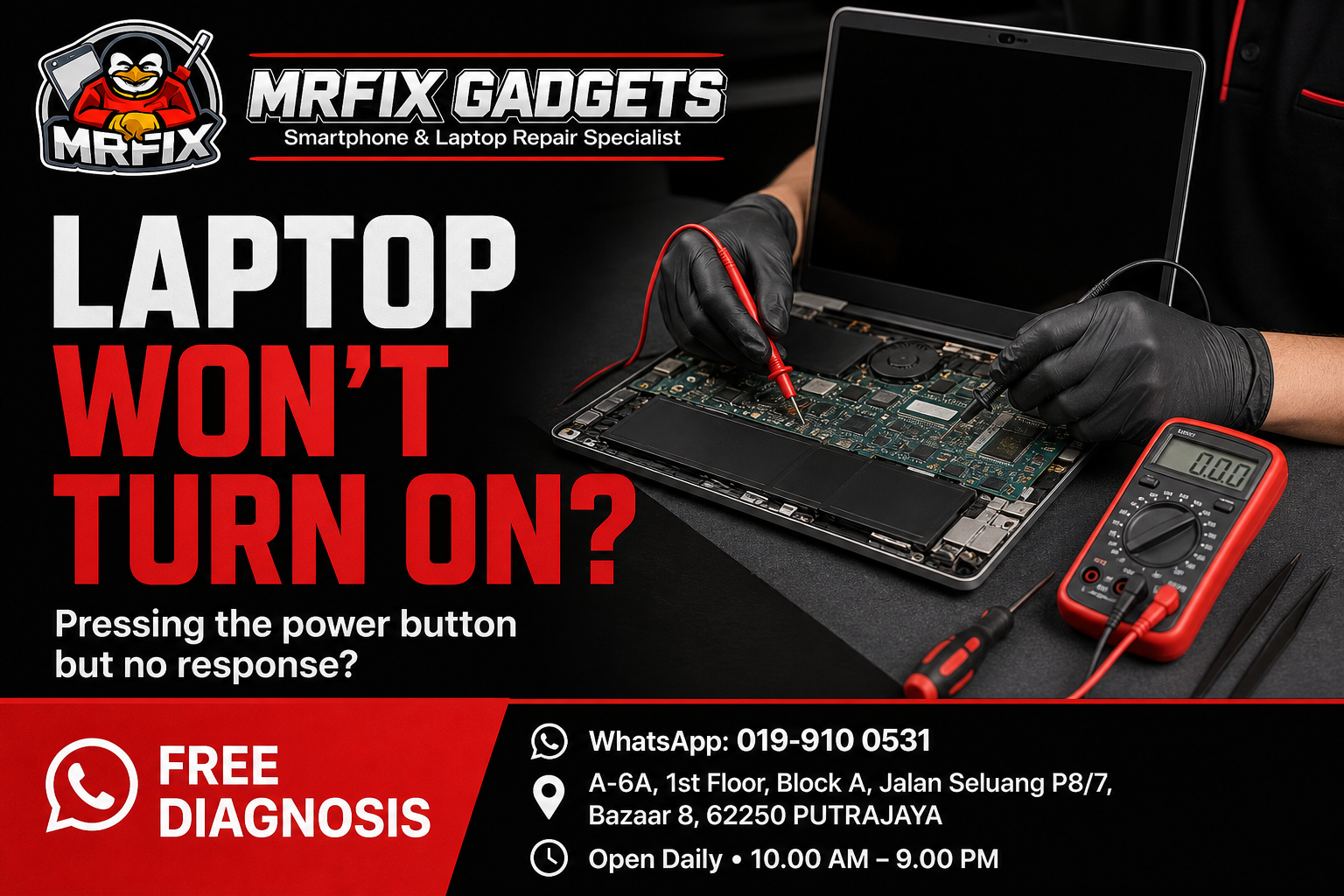
Pressing the power button on your laptop and getting no response at all is a stressful experience, especially if you have unfinished work saved on it. This is one of the reasons people search for a reliable phone repair Putrajaya shop that also handles laptop issues. This article explains the common signs when a laptop will not turn on, possible causes, safe checks to try first, actions to avoid, and how a phone repair shop in Putrajaya such as MRFIX Gadgets typically approaches this kind of diagnosis.
Common signs of the problem
- The screen stays completely black with no backlight at all.
- No fan noise, lights or sounds occur when the power button is pressed.
- The laptop may show a brief light or sound but then shuts off again.
- The charging indicator light does not turn on when plugged in.
- The laptop was working normally before an event such as a power surge, spill or drop.
- The laptop feels warm even though the screen shows nothing.
Possible causes
- A faulty or damaged power adapter.
- A battery that has completely failed and cannot hold a charge.
- A loose or damaged internal connection, sometimes following a drop.
- Liquid spill damage affecting internal components.
- A motherboard or power circuit issue.
- Loose internal memory or storage components, in some cases.
What to do first
- Try a different power adapter and outlet, if one is available, to rule out an accessory issue.
- Check whether any lights, fan noise or sounds occur at all when the power button is pressed.
- If the laptop has a removable battery, try removing it and running on adapter power alone, or vice versa.
- Note any recent events before the laptop stopped responding, such as a spill, drop or power outage.
What not to do
- Do not attempt to open the laptop or replace internal components yourself without proper experience.
- Avoid repeatedly plugging and unplugging the charger forcefully, as this can damage the charging port.
- Do not continue attempting to charge the laptop if you notice a burning smell or unusual heat.
- Avoid using a power adapter that is not rated for your specific laptop model.
When to visit a phone repair shop in Putrajaya
If trying a different adapter and checking basic connections does not bring any response, it is time for a professional diagnosis. A laptop that shows absolutely no sign of power typically requires proper testing to identify the cause.
- Initial symptom review: the technician asks about when the problem started and what triggered it.
- External inspection: the laptop is checked for visible damage, ventilation blockage or wear.
- Device testing: basic function and performance tests are carried out to observe how the laptop behaves.
- Internal inspection when necessary and authorised: the laptop is opened only after the customer agrees to a closer look.
- Explanation of the findings: the technician explains what appears to be affected in plain language.
- Repair recommendation and quotation: a suggested repair option and cost estimate is shared before any work begins.
- Customer approval before repair: no repair work proceeds without the customer's confirmation.
- Testing after repair: the device is tested again once work is completed to confirm the reported issue has been addressed.
Since laptop power issues can range from a simple adapter fault to a more involved motherboard problem, the technician must first identify the affected component before confirming what repair is possible.
Phone repair Putrajaya for nearby customers
The MRFIX Gadgets Putrajaya location at Bazaar 8 may be a convenient stop for residents and office workers around Presint 8, as well as those in Presint 9, Presint 10, Presint 11 and Presint 15. Customers coming from Putrajaya Sentral, Cyberjaya, Dengkil and the IOI Resort City area have also visited the shop for a laptop diagnosis enquiry. Exact travel time will depend on traffic and the route taken, so it is best to check the location on a map before heading over.
Frequently asked questions
Can this problem be repaired?
It depends on the cause. The repair option depends on the inspection, since issues can range from a simple adapter replacement to more involved motherboard work.
Will my data be erased?
The technician will aim to preserve your data during diagnosis and repair where possible, though this cannot be guaranteed in every case.
How long will the inspection take?
An initial power diagnosis can often be done in a reasonable timeframe, though further testing may take longer.
Should I continue using the device?
Since the laptop is not responding, there is little to do except arrange for an inspection rather than repeatedly attempting to power it on.
Do I need to make an appointment?
Walk-ins are accepted for a free diagnosis of a laptop that will not turn on.
What information should I provide through WhatsApp?
Share your laptop brand and model, what happened before it stopped responding, and whether you have tried a different power adapter.
Visit MRFIX Gadgets Putrajaya
If you are dealing with this issue and would like an initial opinion, the team at MRFIX Gadgets Putrajaya is available for a walk-in visit or a WhatsApp enquiry. Sending a short description of the symptoms, the device model and a clear photo in advance can help the technician prepare before you arrive, although a full assessment will still require an in-person inspection in most cases.
MRFIX Gadgets Putrajaya
A-6A, 1st Floor, Block A, Jalan Seluang P8/7, Bazaar 8, 62250 Putrajaya
WhatsApp: 019-910 0531
Open daily: 10.00 AM – 9.00 PM