
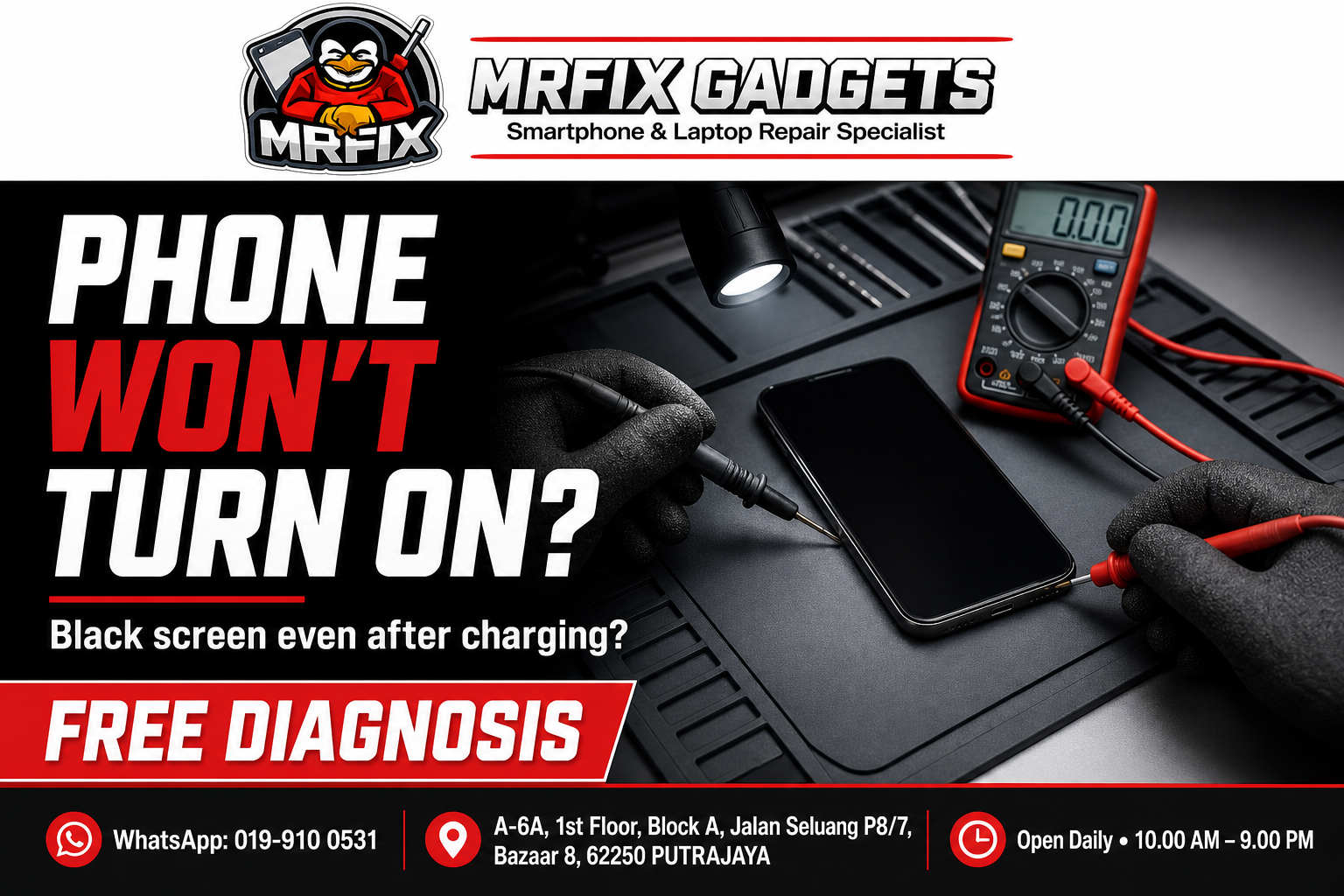
A phone that shows a black screen and does not respond to the power button, even after charging, is one of the more concerning reasons to search for phone repair Putrajaya services. It can be difficult to know whether the issue is something minor or a sign of a deeper problem. This article outlines the common signs of a phone that will not turn on, possible causes, safe checks to try first, actions to avoid, and how a phone repair shop in Putrajaya such as MRFIX Gadgets typically approaches this kind of case.
Common signs of the problem
- The screen remains completely black regardless of how long the phone is charged.
- There is no vibration, sound or any response when the power button is pressed.
- The phone may occasionally flicker briefly before going dark again.
- The device feels unusually warm even though the screen shows nothing.
- The charging indicator light, if the phone has one, does not appear.
- The phone was working normally before an event such as a drop, water exposure or a software update.
Possible causes
- A fully depleted battery combined with a charging issue.
- A faulty power button or internal switch.
- Water or moisture exposure affecting internal components.
- A software crash that is preventing the phone from booting normally.
- A more serious internal fault involving the motherboard or power management component.
- Damage following a drop that affected an internal connection.
What to do first
- Connect the phone to a working charger and cable, then leave it charging for at least 20 to 30 minutes before checking again.
- Try a different charging cable and adapter to rule out an accessory issue.
- Check whether the phone shows any sign of life, such as a brief vibration or flicker, even if the screen stays dark.
- Note any recent events before the phone stopped responding, such as a drop, water exposure or update.
What not to do
- Do not repeatedly press the power button in different combinations without understanding what each does, as some combinations can trigger unintended actions.
- Avoid attempting to open the phone yourself if you are not experienced with phone repair.
- Do not continue charging the phone unattended for extended periods if it feels unusually hot.
- Avoid searching for and following unverified online fixes involving disassembly.
When to visit a phone repair shop in Putrajaya
If charging for a reasonable amount of time and trying a different cable does not bring any response, it is time for a professional diagnosis. A phone that will not turn on at all typically needs a proper inspection to identify the underlying cause.
- Initial symptom review: the technician asks about when the problem started and what triggered it.
- External inspection: the phone is checked for visible damage, moisture residue or physical wear.
- Device testing: basic function tests are carried out to observe how the device behaves.
- Internal inspection when necessary and authorised: the phone is opened only after the customer agrees to a closer look.
- Explanation of the findings: the technician explains what appears to be affected in plain language.
- Repair recommendation and quotation: a suggested repair option and cost estimate is shared before any work begins.
- Customer approval before repair: no repair work proceeds without the customer's confirmation.
- Testing after repair: the device is tested again once work is completed to confirm the reported issue has been addressed.
Because the causes of a non-responsive phone can range from simple to complex, the technician will need to test the device before suggesting a specific repair path.
Phone repair Putrajaya for nearby customers
The MRFIX Gadgets Putrajaya location at Bazaar 8 may be a convenient stop for residents and office workers around Presint 8, as well as those in Presint 9, Presint 10, Presint 11 and Presint 15. Customers coming from Putrajaya Sentral, Cyberjaya, Dengkil and the IOI Resort City area have also visited the shop for a phone diagnosis enquiry. Exact travel time will depend on traffic and the route taken, so it is best to check the location on a map before heading over.
Frequently asked questions
Can this problem be repaired?
It depends on the underlying cause. The repair option depends on the inspection, and the technician must first identify the affected component before confirming what can be done.
Will my data be erased?
The technician will aim to preserve your data during diagnosis and repair where possible, though this cannot be guaranteed in every case, particularly if there is internal damage.
How long will the inspection take?
An initial diagnostic check can often be done relatively quickly, though a more detailed internal inspection may take longer.
Should I continue using the device?
Since the phone is not responding, there is little use to continue attempting, and it is best to bring it in for inspection rather than repeatedly trying to force it on.
Do I need to make an appointment?
Walk-ins are accepted for a free diagnosis of a non-responsive phone.
What information should I provide through WhatsApp?
Share your phone model, what happened before it stopped responding, and whether you have tried charging it with a different cable.
Visit MRFIX Gadgets Putrajaya
If you are dealing with this issue and would like an initial opinion, the team at MRFIX Gadgets Putrajaya is available for a walk-in visit or a WhatsApp enquiry. Sending a short description of the symptoms, the device model and a clear photo in advance can help the technician prepare before you arrive, although a full assessment will still require an in-person inspection in most cases.
MRFIX Gadgets Putrajaya
A-6A, 1st Floor, Block A, Jalan Seluang P8/7, Bazaar 8, 62250 Putrajaya
WhatsApp: 019-910 0531
Open daily: 10.00 AM – 9.00 PM