
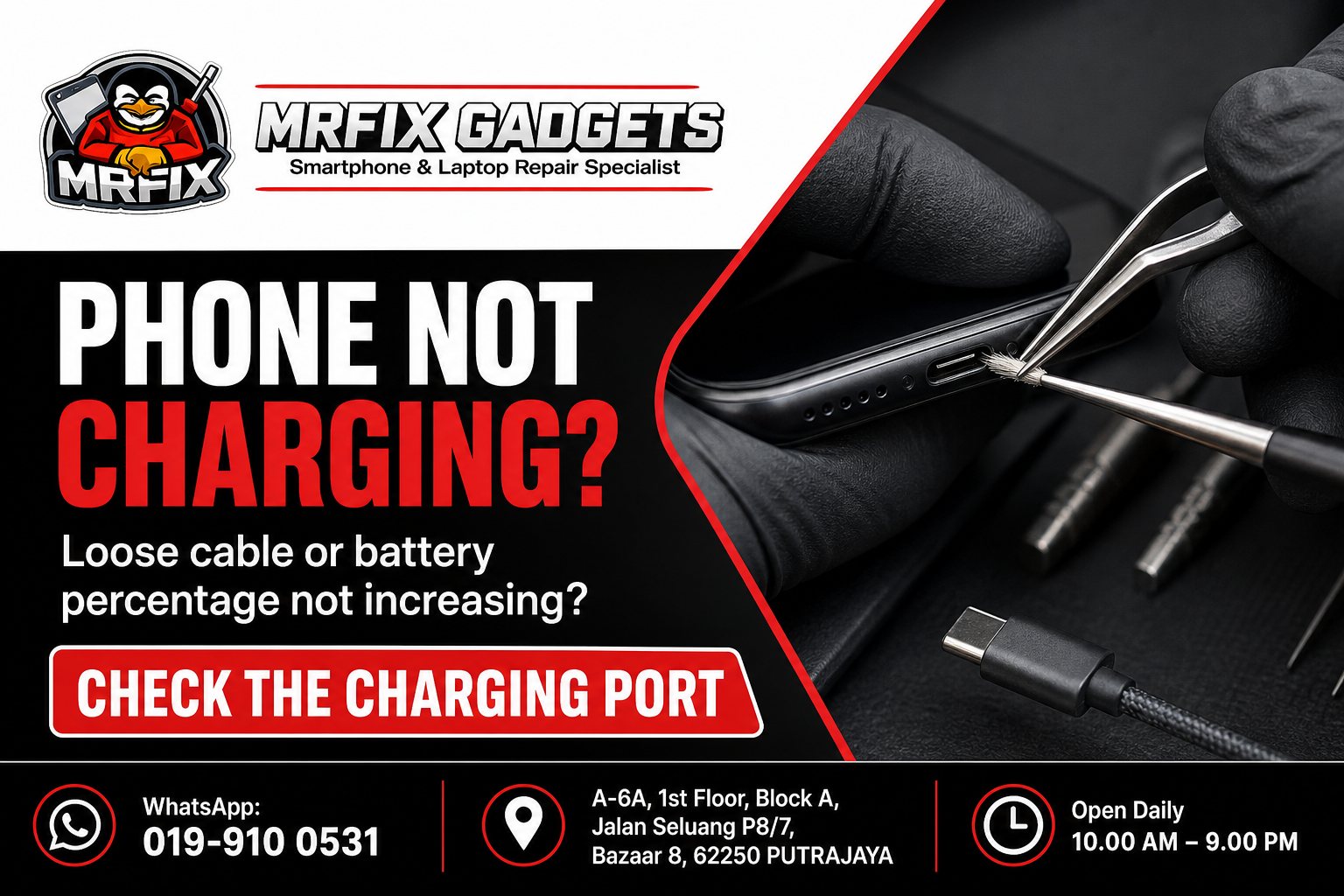
A phone that will not charge, or one where the battery percentage stays the same no matter how long it is plugged in, is a common reason people look for phone repair Putrajaya services. The cause is not always the battery itself, and sometimes the fix can be simpler than expected. This article covers the common signs of a charging problem, likely causes, safe checks you can try first, actions to avoid, and how a phone repair shop in Putrajaya such as MRFIX Gadgets typically approaches a phone charging port repair in Putrajaya enquiry.
Common signs of the problem
- The battery percentage does not increase even after being connected for a long time.
- The phone only charges when the cable is held at a certain angle.
- No charging icon or indicator appears when the cable is connected.
- The phone charges very slowly compared to before.
- The charging port feels loose or the cable does not fit snugly.
- The phone becomes unusually hot while attempting to charge.
Possible causes
- Lint, dust or debris trapped inside the charging port.
- A damaged or worn charging cable.
- A faulty power adapter or wall socket.
- Bent or damaged pins inside the charging port itself.
- An underlying battery issue that affects the phone's ability to accept a charge.
- Software-related issues that occasionally affect charging behaviour.
What to do first
- Try a different charging cable and adapter to rule out an accessory fault.
- Check the charging port visually under good lighting for visible lint or debris.
- Try charging from a different wall socket or power source.
- Gently clean the port with a soft, dry brush if you can see debris, without inserting anything metal.
- Restart the phone to rule out a temporary software glitch.
What not to do
- Do not insert sharp objects such as pins or toothpicks into the charging port, as this can bend the internal pins.
- Avoid using excessive force when plugging in the cable if it does not fit easily.
- Do not use a cable or adapter that looks visibly frayed or damaged.
- Avoid leaving the phone charging unattended for long periods if you already suspect a fault.
When to visit a phone repair shop in Putrajaya
If trying a different cable and adapter does not resolve the issue, or if you notice physical damage inside the port, it is time for a professional inspection. A charging problem that is left unresolved can sometimes worsen if debris or corrosion builds up further.
- Initial symptom review: the technician asks about when the problem started and what triggered it.
- External inspection: the phone is checked for visible damage, moisture residue or physical wear.
- Device testing: basic function tests are carried out to observe how the device behaves.
- Internal inspection when necessary and authorised: the phone is opened only after the customer agrees to a closer look.
- Explanation of the findings: the technician explains what appears to be affected in plain language.
- Repair recommendation and quotation: a suggested repair option and cost estimate is shared before any work begins.
- Customer approval before repair: no repair work proceeds without the customer's confirmation.
- Testing after repair: the device is tested again once work is completed to confirm the reported issue has been addressed.
The exact repair path will depend on whether the issue is traced to the port, the cable, the battery or another component.
Phone repair Putrajaya for nearby customers
The MRFIX Gadgets Putrajaya location at Bazaar 8 may be a convenient stop for residents and office workers around Presint 8, as well as those in Presint 9, Presint 10, Presint 11 and Presint 15. Customers coming from Putrajaya Sentral, Cyberjaya, Dengkil and the IOI Resort City area have also visited the shop for a phone charging port repair enquiry. Exact travel time will depend on traffic and the route taken, so it is best to check the location on a map before heading over.
Frequently asked questions
Can this problem be repaired?
Charging port issues are often repairable, but the repair option depends on the inspection, particularly if the internal pins or connector are damaged.
Will my data be erased?
A charging port repair typically does not require erasing your data, since it does not involve the storage component.
How long will the inspection take?
A basic charging test and visual inspection can usually be done fairly quickly.
Should I continue using the device?
If the phone is still charging, even slowly, you can continue light use, but avoid forcing the cable into the port.
Do I need to make an appointment?
Walk-in visits are accepted for a charging port check.
What information should I provide through WhatsApp?
Mention your phone model, whether you have tried a different cable, and describe exactly what happens when you try to charge it.
Visit MRFIX Gadgets Putrajaya
If you are dealing with this issue and would like an initial opinion, the team at MRFIX Gadgets Putrajaya is available for a walk-in visit or a WhatsApp enquiry. Sending a short description of the symptoms, the device model and a clear photo in advance can help the technician prepare before you arrive, although a full assessment will still require an in-person inspection in most cases.
MRFIX Gadgets Putrajaya
A-6A, 1st Floor, Block A, Jalan Seluang P8/7, Bazaar 8, 62250 Putrajaya
WhatsApp: 019-910 0531
Open daily: 10.00 AM – 9.00 PM