
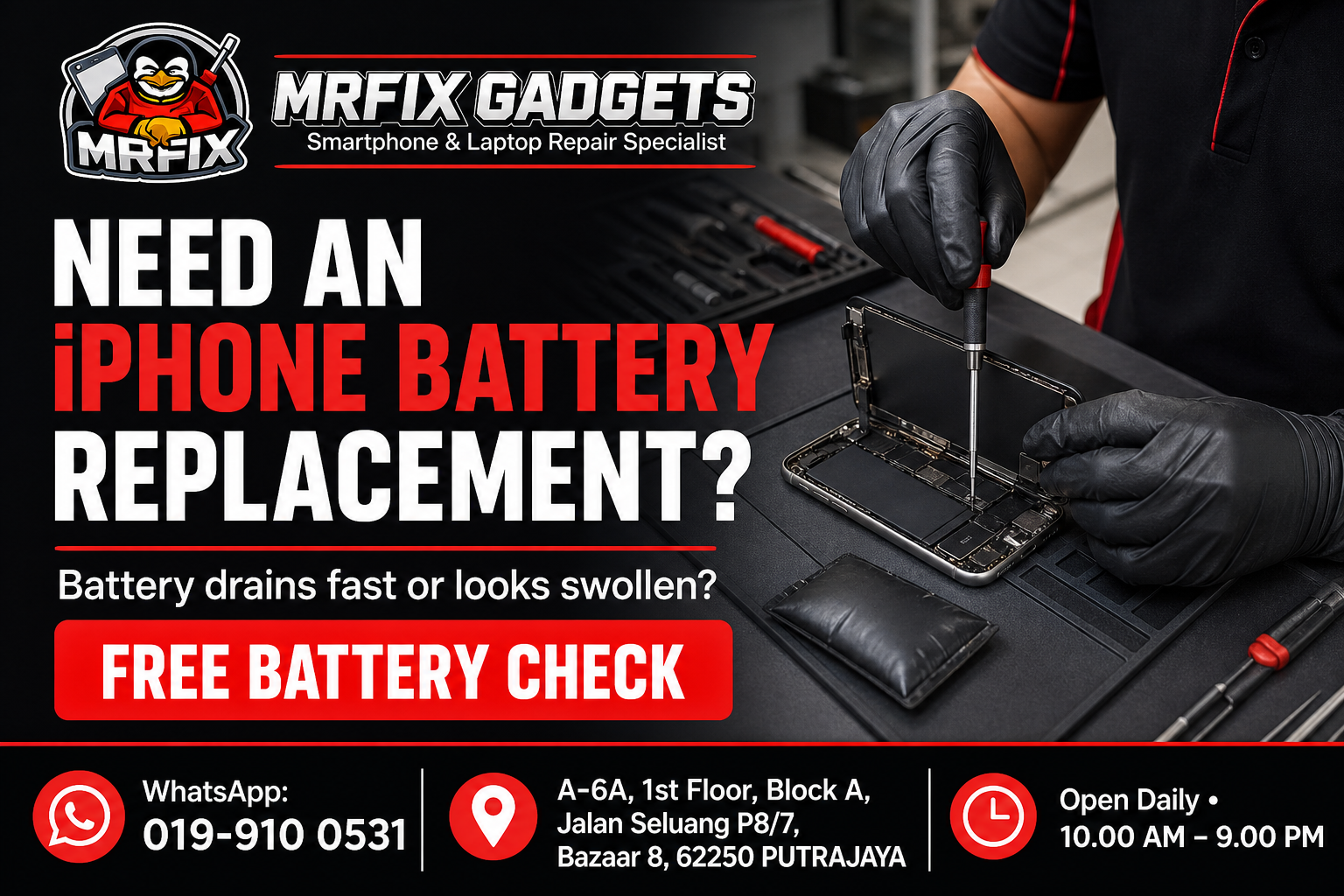
If your iPhone battery is draining faster than usual, or the back of the phone looks slightly swollen, you are probably searching for reliable phone repair Putrajaya options rather than waiting for the problem to get worse. A weak or swollen battery is inconvenient at best and a safety concern at worst, so it helps to understand what is happening before deciding on the next step. This article covers the common signs of a failing iPhone battery, possible causes, what you can safely check yourself, what to avoid, and how a phone repair shop in Putrajaya such as MRFIX Gadgets typically approaches an iPhone battery replacement in Putrajaya.
Common signs of the problem
A battery nearing the end of its usable life does not always fail suddenly. Watch out for these signs:
- The battery percentage drops quickly even during light use.
- The phone shuts down unexpectedly while still showing 15 to 30 percent charge.
- The device feels warm during normal use or while charging.
- The back panel or screen appears slightly raised or separated at the edges, which can indicate swelling.
- Battery Health, found under Settings, shows a maximum capacity that has dropped noticeably from 100 percent.
- The phone struggles to keep up during tasks it previously handled without issue.
Possible causes
Several factors can contribute to reduced battery performance, and it is not always possible to know the exact cause without a proper check:
- Natural battery ageing, since lithium-ion batteries degrade with each charge cycle over time.
- Frequent exposure to high heat, such as leaving the phone in direct sunlight or a hot car.
- Consistently charging to 100 percent and letting the battery drop to very low levels repeatedly.
- A manufacturing or component fault that is unrelated to normal usage patterns.
- Background apps or a software issue that draws more power than expected.
What to do first
Before assuming a full replacement is needed, there are a few safe checks you can do at home:
- Check Battery Health under Settings, then Battery, then Battery Health and Charging.
- Note down when the symptoms started and whether they happen during specific activities.
- Look closely at the edges of the screen and back panel for any signs of separation or swelling.
- Avoid placing anything heavy on the phone if swelling is suspected.
What not to do
Certain actions can make the situation worse or create a safety risk:
- Do not attempt to puncture, bend or press firmly on a swollen battery.
- Do not continue charging the phone overnight if you notice swelling or excessive heat.
- Avoid opening the phone yourself if you are not experienced, as this can damage internal components.
- Do not store the phone near flammable materials if swelling is suspected.
When to visit a phone repair shop in Putrajaya
If Battery Health has dropped significantly, if the phone shuts down unexpectedly, or if you notice any swelling at all, it is a reasonable time to bring the device in for a professional check. Swelling in particular should not be left unattended, since it typically will not resolve on its own.
- Initial symptom review: the technician asks about when the problem started and what triggered it.
- External inspection: the phone is checked for visible damage, moisture residue or physical wear.
- Device testing: basic function tests are carried out to observe how the device behaves.
- Internal inspection when necessary and authorised: the phone is opened only after the customer agrees to a closer look.
- Explanation of the findings: the technician explains what appears to be affected in plain language.
- Repair recommendation and quotation: a suggested repair option and cost estimate is shared before any work begins.
- Customer approval before repair: no repair work proceeds without the customer's confirmation.
- Testing after repair: the device is tested again once work is completed to confirm the reported issue has been addressed.
It is worth noting that not every case follows exactly the same sequence, since the approach can vary depending on what is found during the initial review.
Phone repair Putrajaya for nearby customers
The MRFIX Gadgets Putrajaya location at Bazaar 8 may be a convenient stop for residents and office workers around Presint 8, as well as those in Presint 9, Presint 10, Presint 11 and Presint 15. Customers coming from Putrajaya Sentral, Cyberjaya, Dengkil and the IOI Resort City area have also visited the shop for a iphone battery replacement enquiry. Exact travel time will depend on traffic and the route taken, so it is best to check the location on a map before heading over.
Frequently asked questions
Can this problem be repaired?
In many cases a worn or swollen battery can be replaced, but the repair option depends on the inspection. The technician will need to confirm the condition of the battery and surrounding components first.
Will my data be erased?
A battery replacement generally does not require erasing your data, since the process focuses on the battery component rather than the storage. It is still a good idea to back up your device beforehand as a precaution.
How long will the inspection take?
An initial check can often be done fairly quickly, though this can vary depending on how busy the shop is and the complexity of the case.
Should I continue using the device?
If you notice swelling, it is safer to stop using and charging the phone until it has been checked. If the only symptom is faster battery drain, you can usually continue light use while you arrange a visit.
Do I need to make an appointment?
Walk-in visits are accepted, though sending a WhatsApp message beforehand with your device details can help the team prepare.
What information should I provide through WhatsApp?
It helps to share your iPhone model, a description of the battery symptoms, when they started, and a clear photo if you notice any swelling or physical change.
Visit MRFIX Gadgets Putrajaya
If you are dealing with this issue and would like an initial opinion, the team at MRFIX Gadgets Putrajaya is available for a walk-in visit or a WhatsApp enquiry. Sending a short description of the symptoms, the device model and a clear photo in advance can help the technician prepare before you arrive, although a full assessment will still require an in-person inspection in most cases.
MRFIX Gadgets Putrajaya
A-6A, 1st Floor, Block A, Jalan Seluang P8/7, Bazaar 8, 62250 Putrajaya
WhatsApp: 019-910 0531
Open daily: 10.00 AM – 9.00 PM